5.9
Signing in with one login
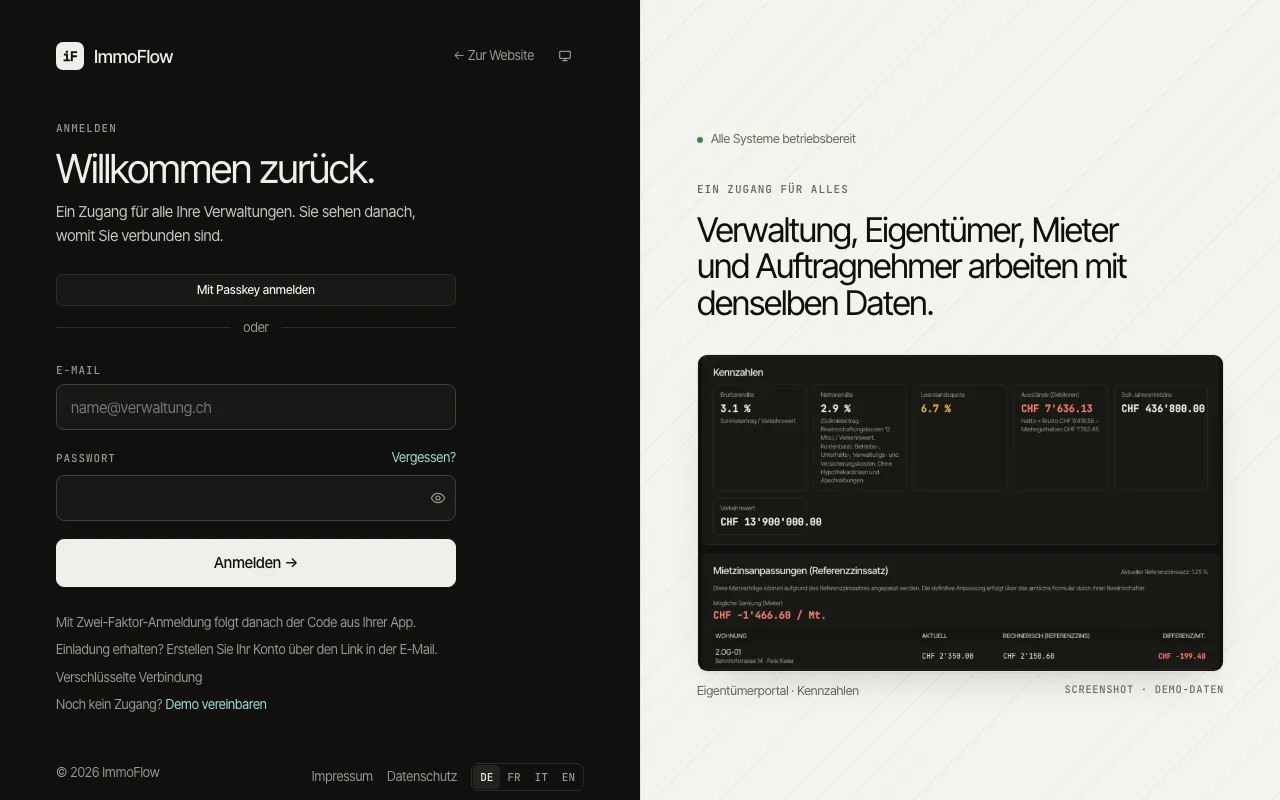
Everyone signs in on the same page: staff, tenants, owners and contractors. ImmoFlow tells from your roles where you belong, and with one account you reach every management company that invited you.
How to proceed
Enter your e-mail address and password and choose "Sign in". If two-factor sign-in is set up, the code from your app follows.
Staff land in their company's workspace. Tenants, owners and contractors land in their portal or, when connected with several management companies, on the choice of the start view.
If you opened a link before signing in, ImmoFlow takes you back there after signing in, as long as the page belongs to your access.