Taking over a community and posting the opening position
When the administration changes, you create the community on the existing property and take over the previous administration's closing statement: owner balances, renewal fund, bank account, open supplier invoices and open resolutions, each with its source.
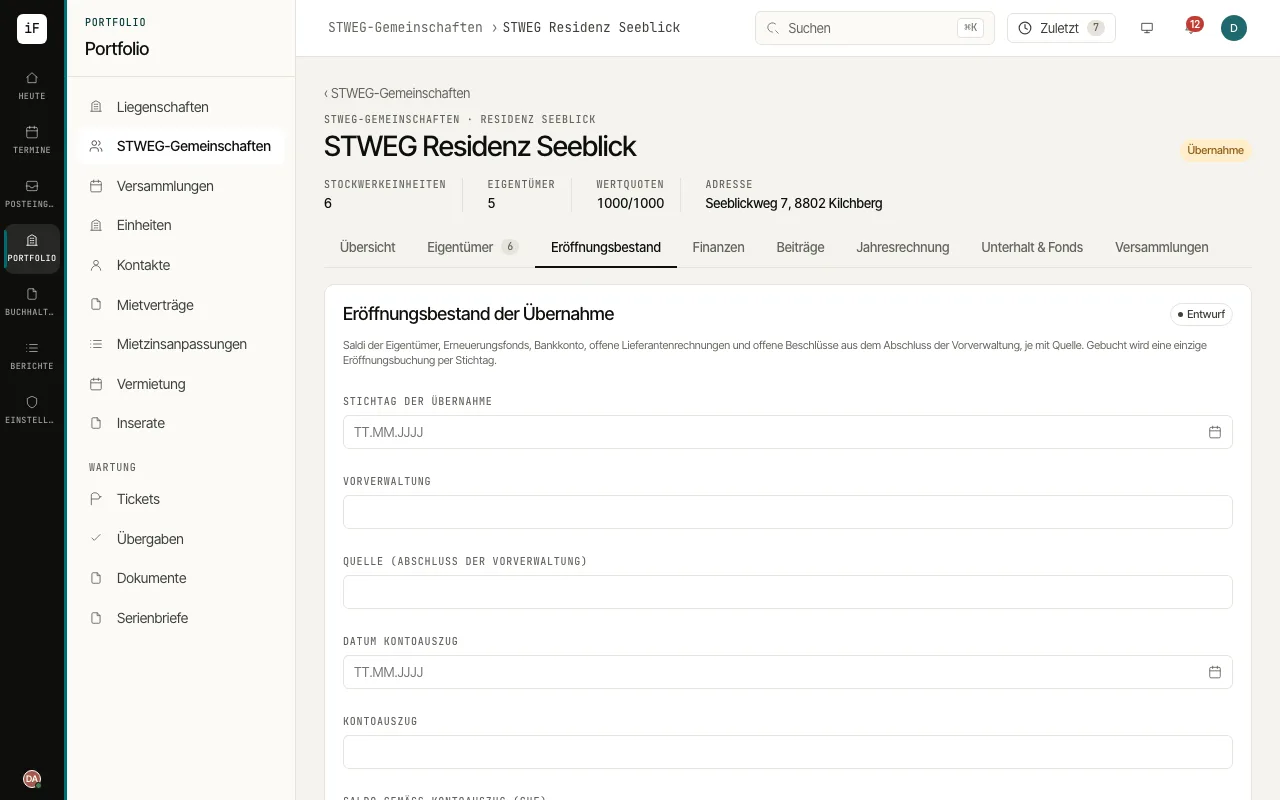
Under "STWEG communities", choose "Take over community", search for the property and leave "Carry over units" on: each unit becomes a condominium unit with its recorded value quota. Confirm with "Take over".
Open the "Opening position" tab. Enter the "Cut-over date", the "Previous administration", the source and the totals according to the closing statement and the bank statement.
Enter the items with "Add item", or use "Download template" to get the Excel template, fill it in and apply it after the "Preview". Every item needs a source; for an owner balance, positive means arrears and negative a credit.
Check the "Reconciliation with the bank and the previous closing statement" and choose "Post opening". Then reconcile with "Reconcile"; a remaining difference needs a reason.