Using the owner portal
The owner portal gives you insight into your properties, open claims, vacancies and results. You can look up figures and documents yourself, decide the management's requests directly and talk to the property manager in a more targeted way.
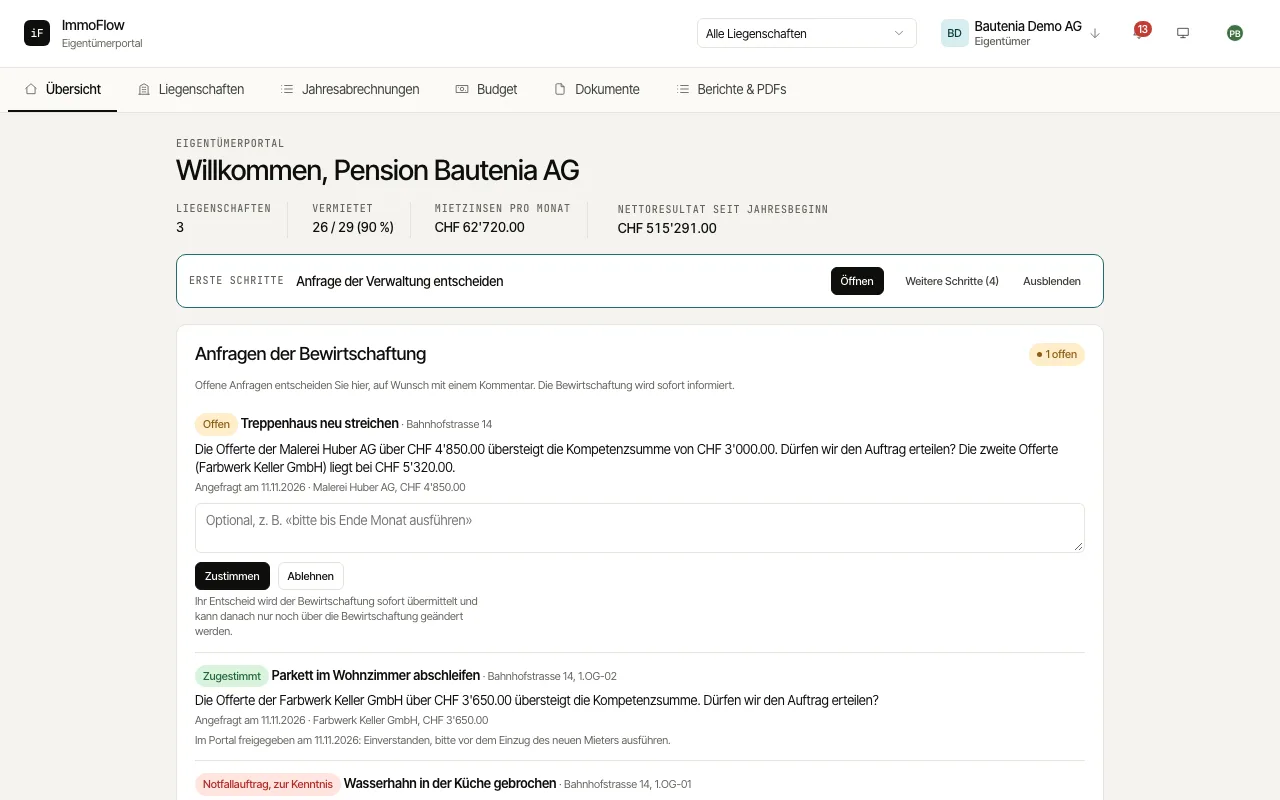
Choose the property you want or the overall view, where available.
Check the "Key figures" and their basis of calculation. Open the property for tenants, vacancies, expiring leases and statements.
Decide open "Requests from the management" right here with "Approve" or "Decline". "Ongoing maintenance topics" shows the status of open work at your properties.
Use "Annual statements", "Documents" and "Reports & PDFs" to trace a figure through to the right document. Under "Security" you protect your sign-in with a second factor.