5.4
Handling a contractor order
The contractor portal shows you the work assigned to you and the information needed to carry it out. Feedback, quotes and invoices stay traceable on each order.
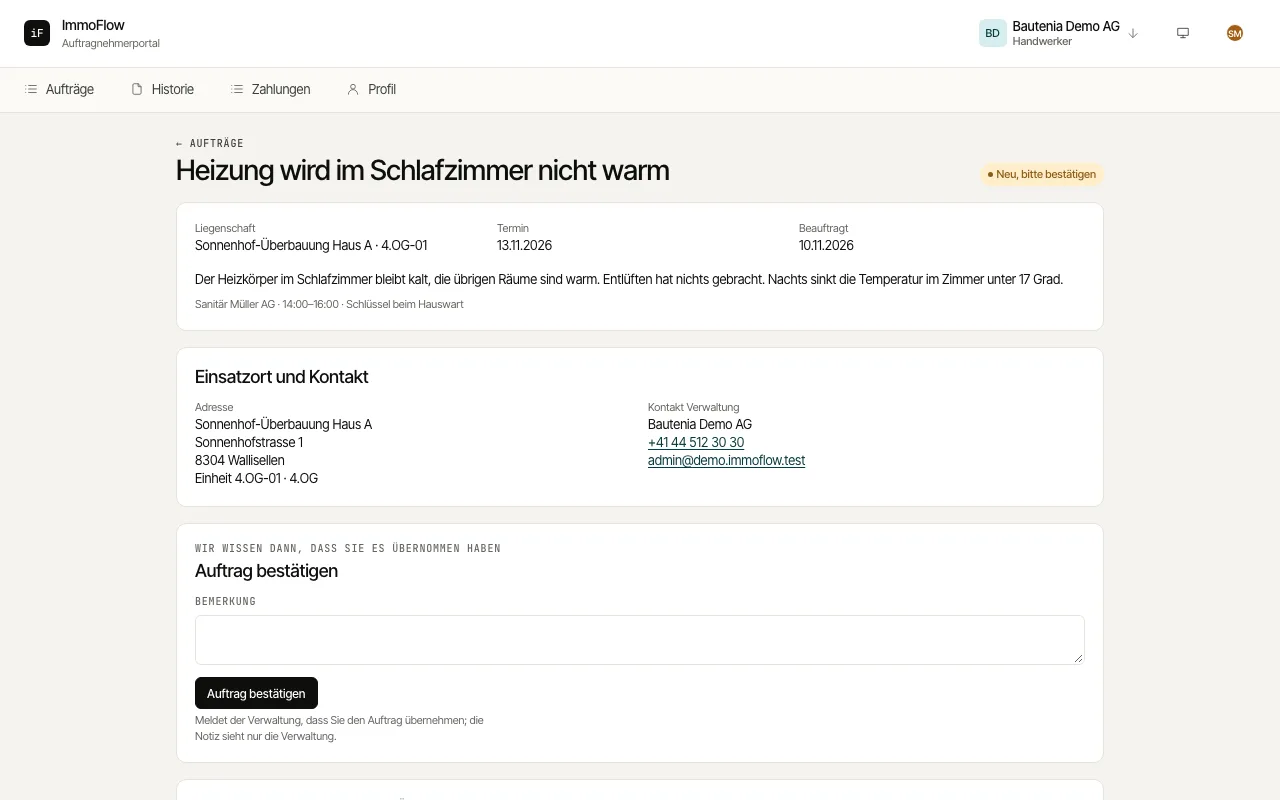
How to proceed
Open an order and read the description, "Instruction from the management company" and "Location and contact" with access instructions and the on-site contact.
Confirm the order with "Confirm order". If needed, submit a quote with amount, validity and optionally a file.
Report the completed work with "Complete order", the date, a remark and photos if needed. The property manager confirms completion; earlier orders are under "History".