3.1
Handling invoices and payments
Accounting links rent invoices, supplier invoices, payments and the journal, each kept separately per accounting book. The overview leads to the individual steps; the journal shows the posted transactions.
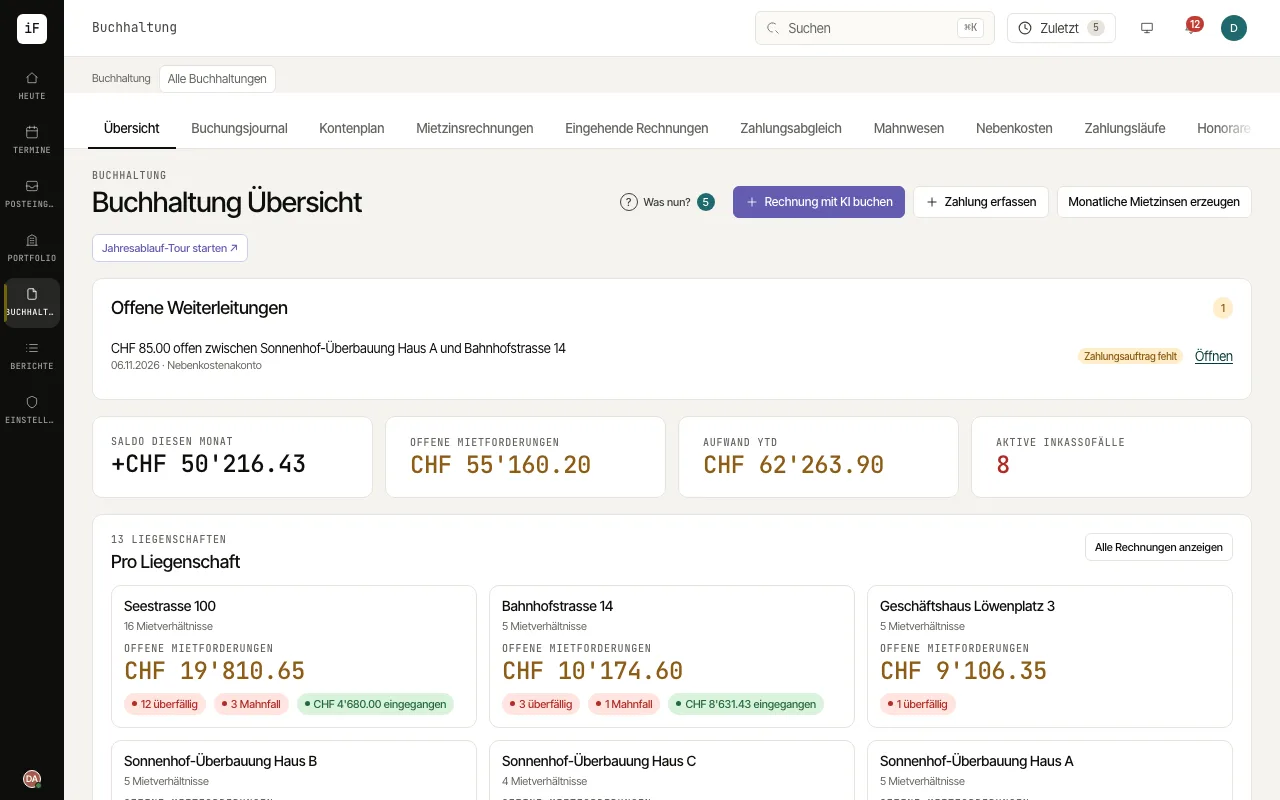
How to proceed
Create and check rent invoices in the intended invoice run. Each accounting book needs a confirmed rent collection account for this (Settings › Accounting › Accounting books).
Process supplier invoices and match incoming payments against open claims.
Use payment reminders for overdue claims and payment runs for prepared payouts. Check the respective preview before confirming.
For VAT-registered commercial properties open "VAT"; accruals and the period close are in the journal and under Settings › Accounting.