3.3
Understanding account balances and movements
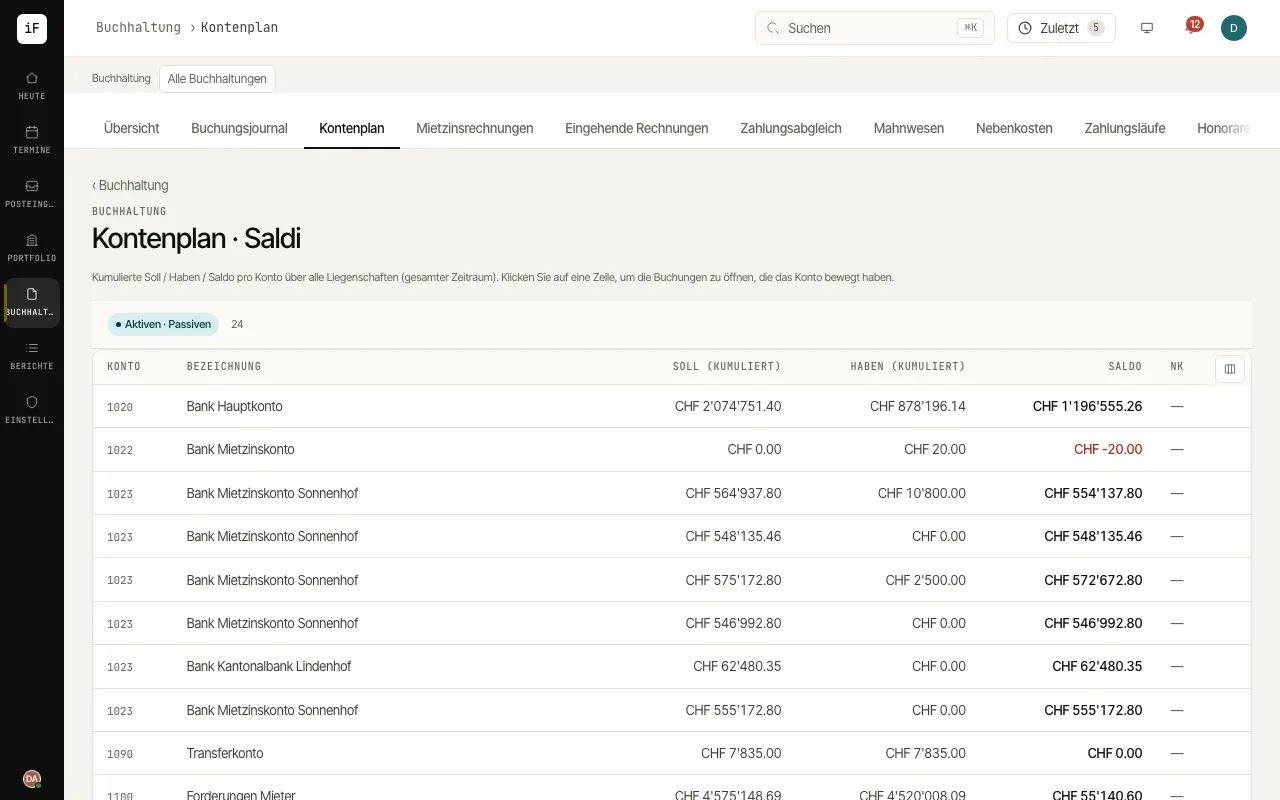
The chart of accounts shows cumulative debit and credit movements and the balance per account. It helps you get from a total to the individual postings.
How to proceed
Open the chart of accounts and read the scope of the evaluation shown.
Find the relevant account and compare debit, credit and balance.
Open the account row to follow the related postings.
For a question limited by time or property, use the appropriate journal filters or the relevant report.