5.7
Deciding requests from the management
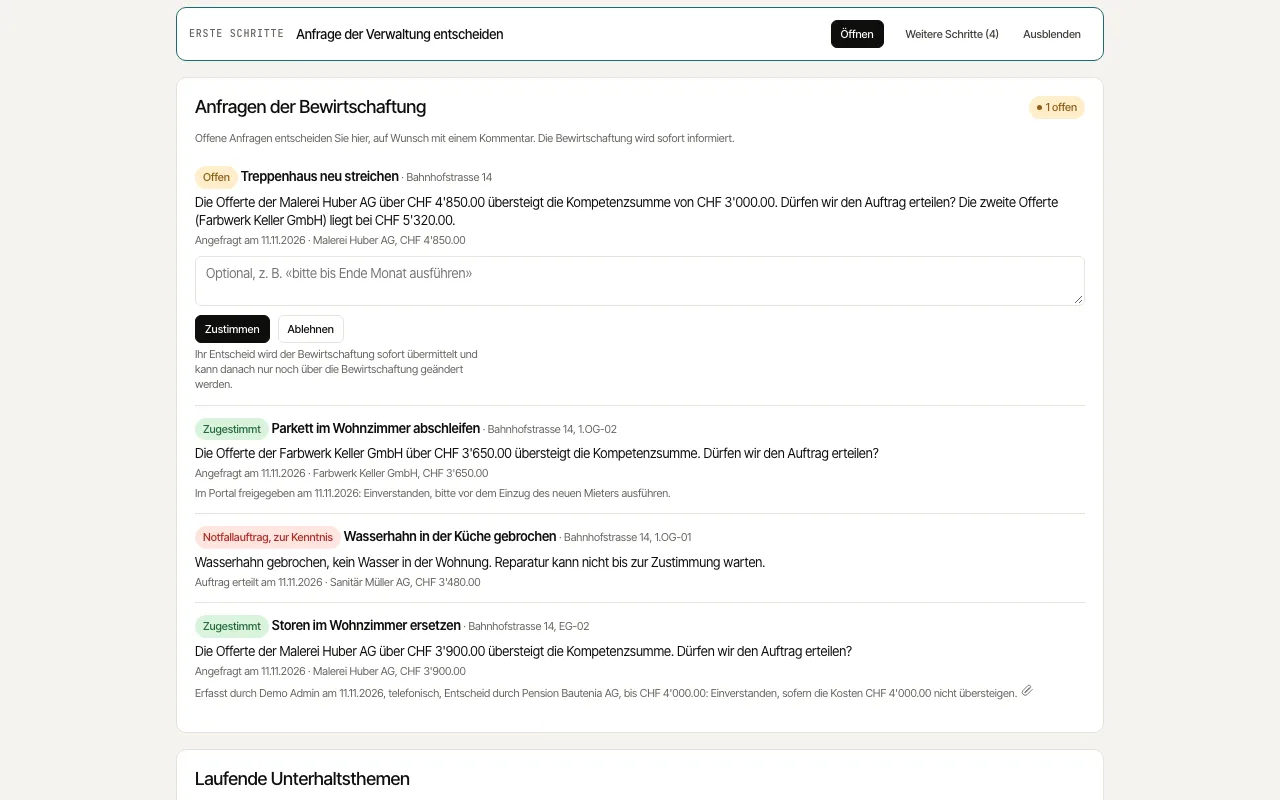
When a repair exceeds the property manager's authority, they ask you as the owner for approval. You decide directly in the portal and see alongside which maintenance topics are currently under way at your properties.
How to proceed
Open the "Overview". The "Requests from the management" card shows how many requests are open.
Read the question, the property and unit, and the amount and contractor of the quote.
If you like, write a "Comment for the management", such as a preferred date, and click "Approve" or "Decline".
Under "Ongoing maintenance topics" you follow open work with its status, opening date, last update and any appointment.