Handling a tenant request
A ticket keeps the report, communication, quotes, order and invoice together. The "Waiting for" line and the progress of the case show the next step and, later, what has happened.
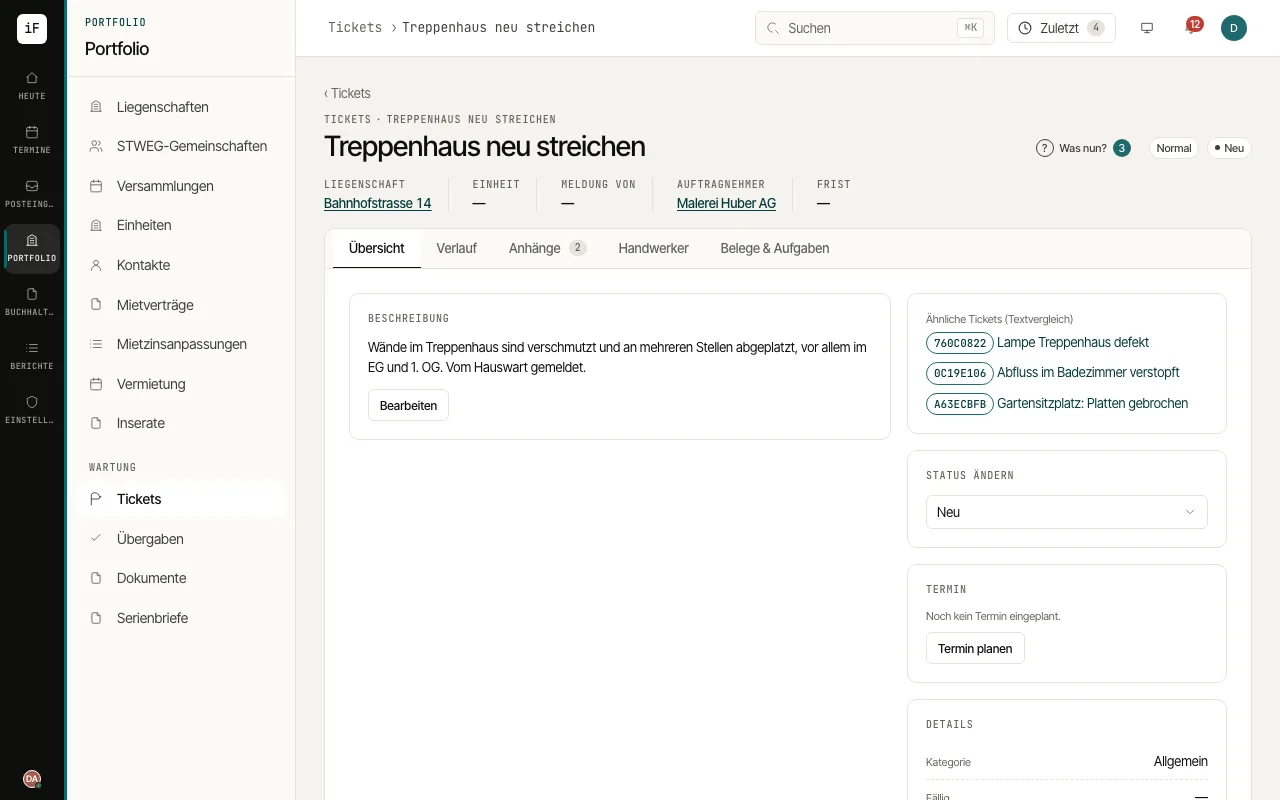
Read the report and check the unit, priority and who is up next according to "Waiting for".
Clarify questions in "History". In the "Contractor" tab you obtain quotes, put a quote above the spending authority to the owner and commission the contractor. The owner can approve or decline in the owner portal; the decision shows as "Decided in the owner portal".
Under "Owner portal", decide whether the owner sees the topic: "By the organisation's rule", "Share with the owner" or "Do not share", if needed with a separate "Title for the owner".
Confirm the completion report when the work is done. When the contractor submits the invoice in the contractor portal, it appears under "Invoice submitted"; book it with "Book in the inbox". Then close the request.