Answer data protection requests
When a person asks for access to their data, a correction or an erasure, you register the request on their contact. ImmoFlow guides you through identity check, export, review for third-party data, delivery and closing, and watches the 30-day deadline.
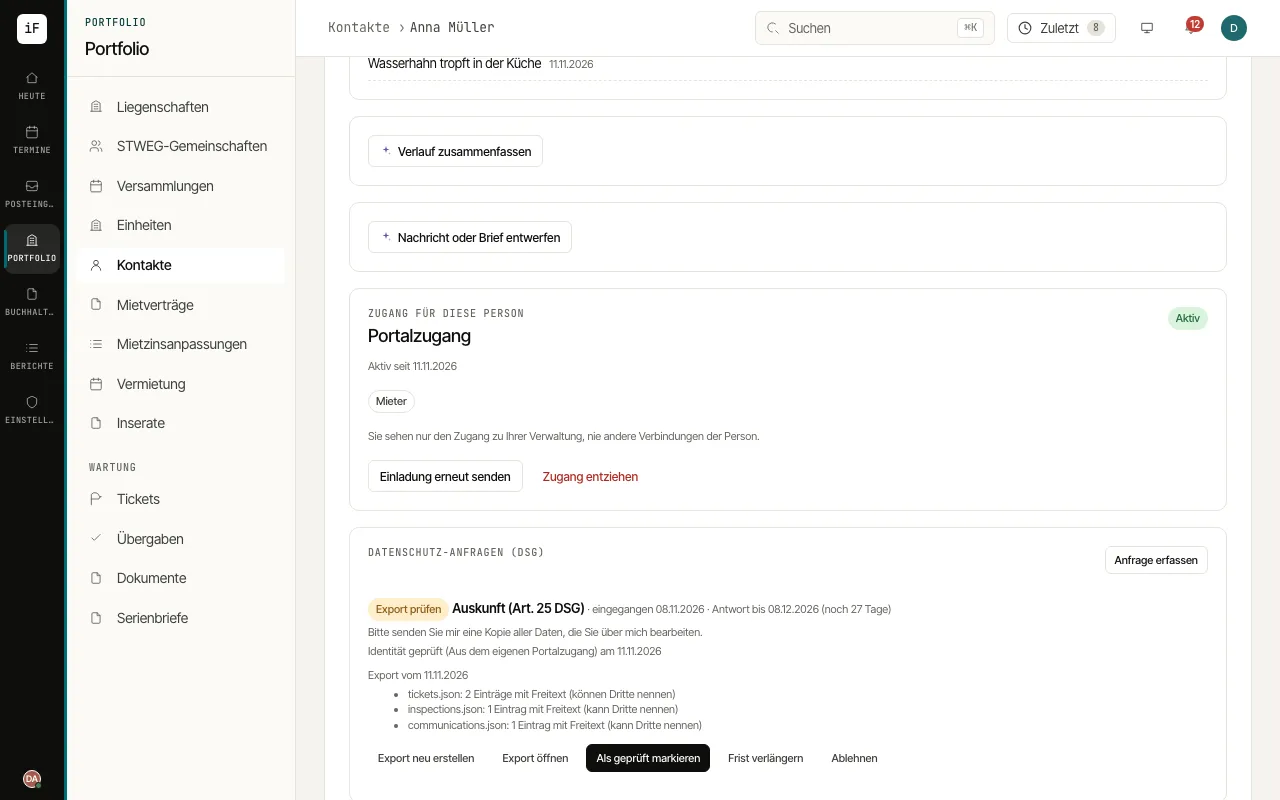
Open the person's contact and click «Register request» on the «Data protection requests (FADP)» card. Choose the «Kind of request» (access, rectification or erasure), «Received by» and the date of receipt, and click «Register».
With «Record identity check», record how the identity was checked, for example «ID document seen (no copy kept)» or «Called back on the known number». Nothing is exported, corrected or erased before that.
For an access request, click «Generate export». You can withhold parts holding third parties' data, with a reason. Open the export with «Open export», check it and click «Mark as reviewed».
Deliver with «Deliver» to the person's portal, by download link with expiry or by post or in person, and close the request with «Close» and a note.
For an erasure, «Check erasure» shows what is erased now and what stays, and until when, because of retention duties. For a rectification, correct the contact and close the request.