5.10
Switching between management companies and roles
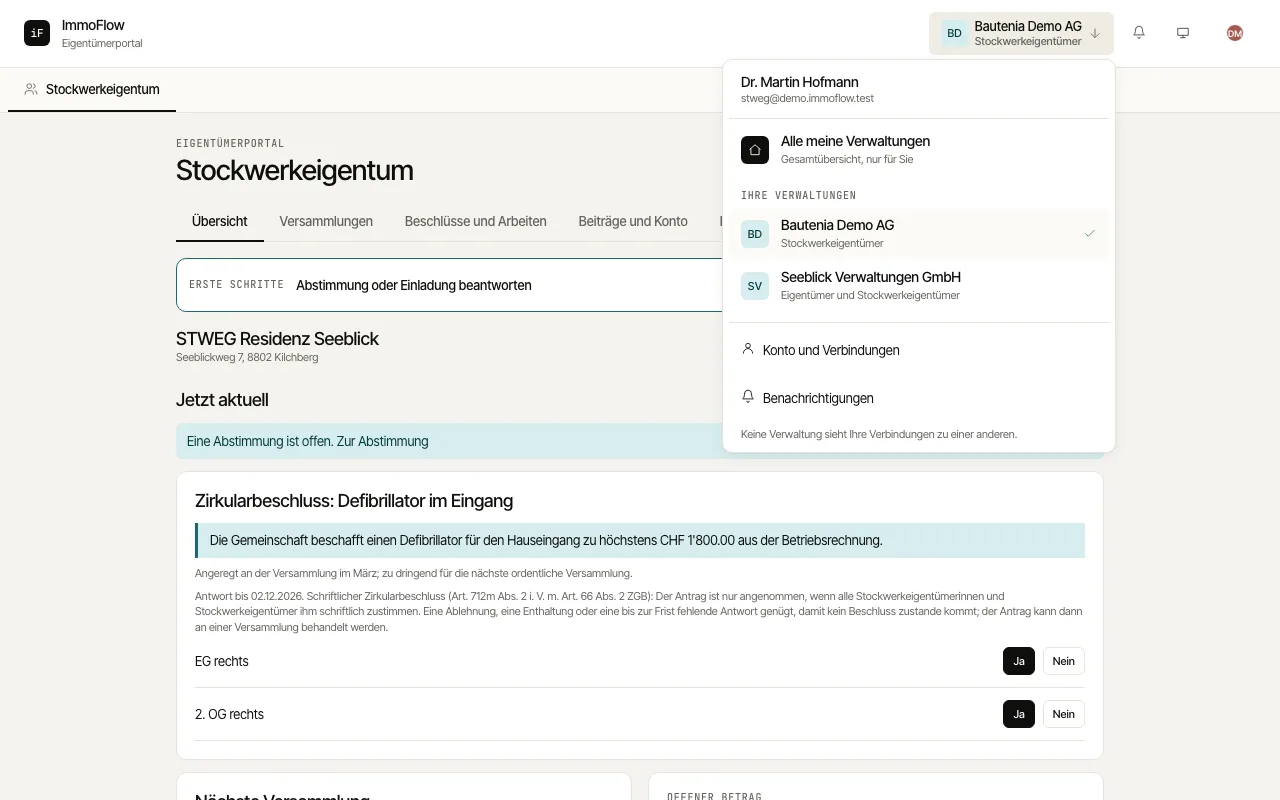
The top bar shows which management company and which role you are working in. This menu takes you to another management company, to the combined overview or to another role.
How to proceed
Tap the name of the management company at the top. On a phone the menu opens as a sheet from the top.
Choose another management company to continue there, or "All my management companies" for the combined overview. ImmoFlow loads all data of the new company afresh.
If you have several roles at one management company, choose "All" or one role under "Role at this management company". With "All", every portal of that company is one tap away.