Submitting an invoice for a completed order
After completing an order you upload your invoice directly on the order. It goes to the property manager's accounting, and you follow whether it was received, booked or paid.
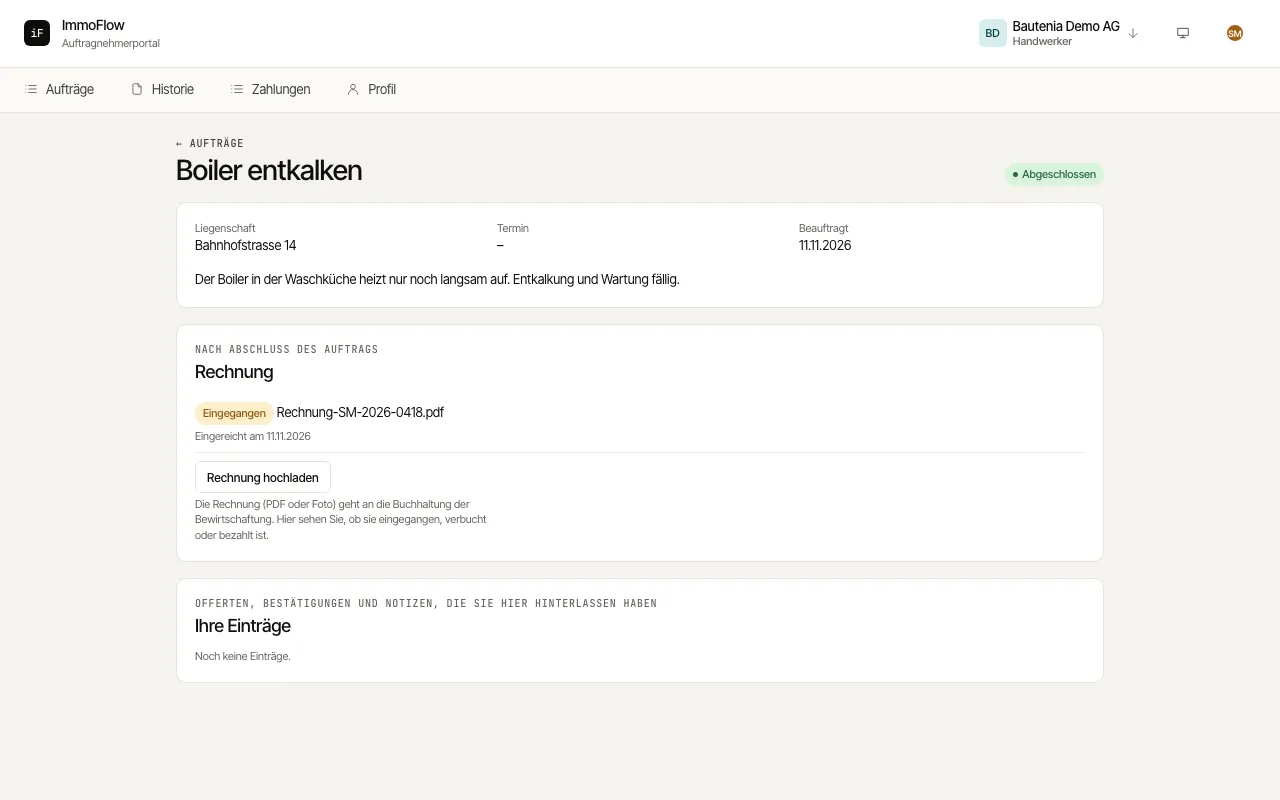
You can submit an invoice as soon as the order is done: after your "Complete order" report or once the property manager has recorded the completion. Only then does the "Invoice" section appear on the order.
Click "Upload invoice" and choose the invoice as a PDF or photo. A further invoice for the same order is submitted the same way.
Follow the status "Received", "Booked" or "Paid" with the payment date. If it shows "Not taken, please get in touch", clarify the invoice with the property manager.
Under "Payments" you see every amount booked for you with "Paid (30 days)", "Open" and "Paid in total".