Set up a mandate and take over data
When you switch, the fastest way to record properties, units, contacts, leases and ownership is the Excel import. The card «Ready for a trial run?» on the dashboard shows per mandate what is in place and what is still missing.
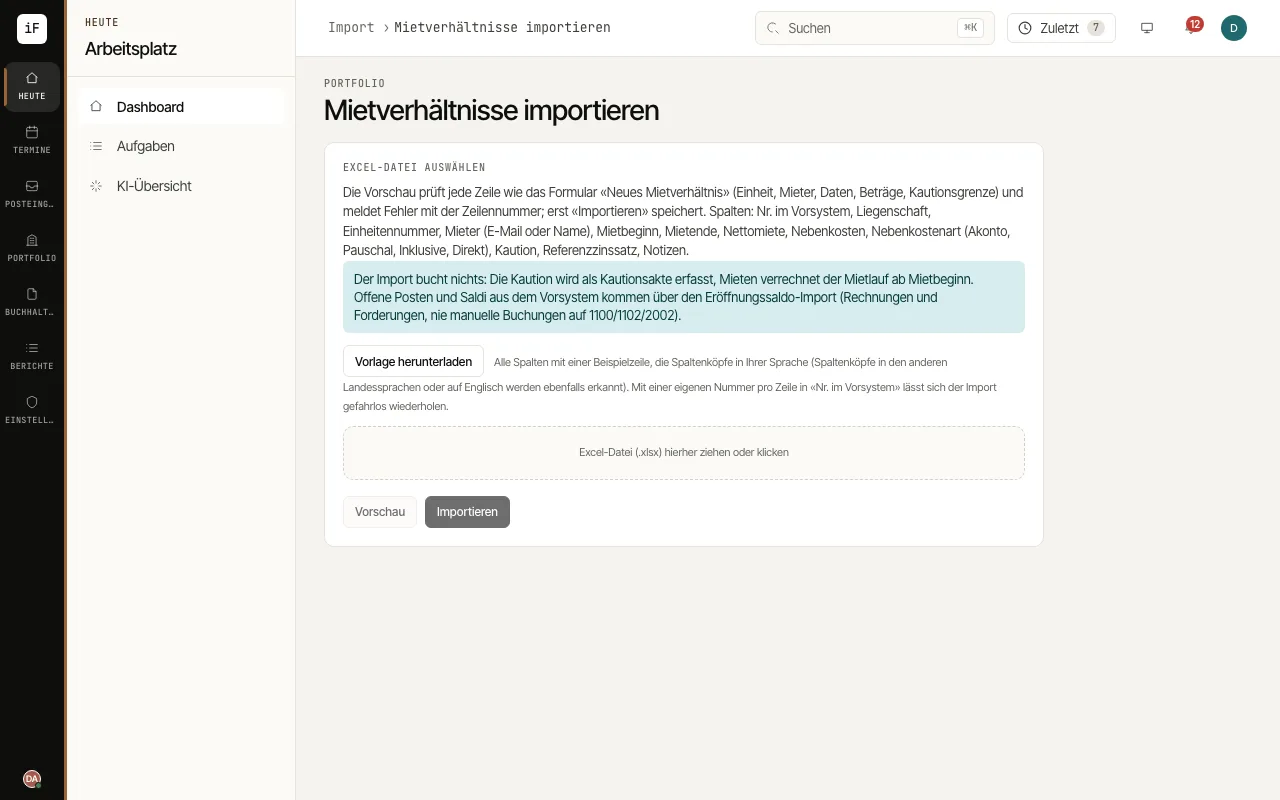
In the «Properties» list, open «Import Excel» (for owners «Import ownership»); units, contacts and leases have the same button in their list.
Download the matching Excel template with «Download template», fill it in and enter the «Previous system no.» in every row. That makes it safe to repeat the import: a row whose number is already known is not created twice.
Drag the file into the field and click «Preview». ImmoFlow checks every row like the corresponding form and shows errors with the row number; only «Import» saves the valid rows.
Import in this order: properties, units, contacts, ownership, leases; ownership and leases refer to properties, units and contacts that already exist. A large import runs in the background and shows its progress.
Then check the card «Ready for a trial run?» on the dashboard. Each mandate shows its blocking gaps, such as «Rent collection account» or «Opening position»; «Continue» or «Complete» opens the place where the step is done.