Preparing a listing and exporting it for the portals
For vacant units and units becoming vacant, ImmoFlow prepares the listing from the unit's details, checks it per portal and outputs it as an IDX file for Homegate, ImmoScout24 and newhome. Nothing is published automatically.
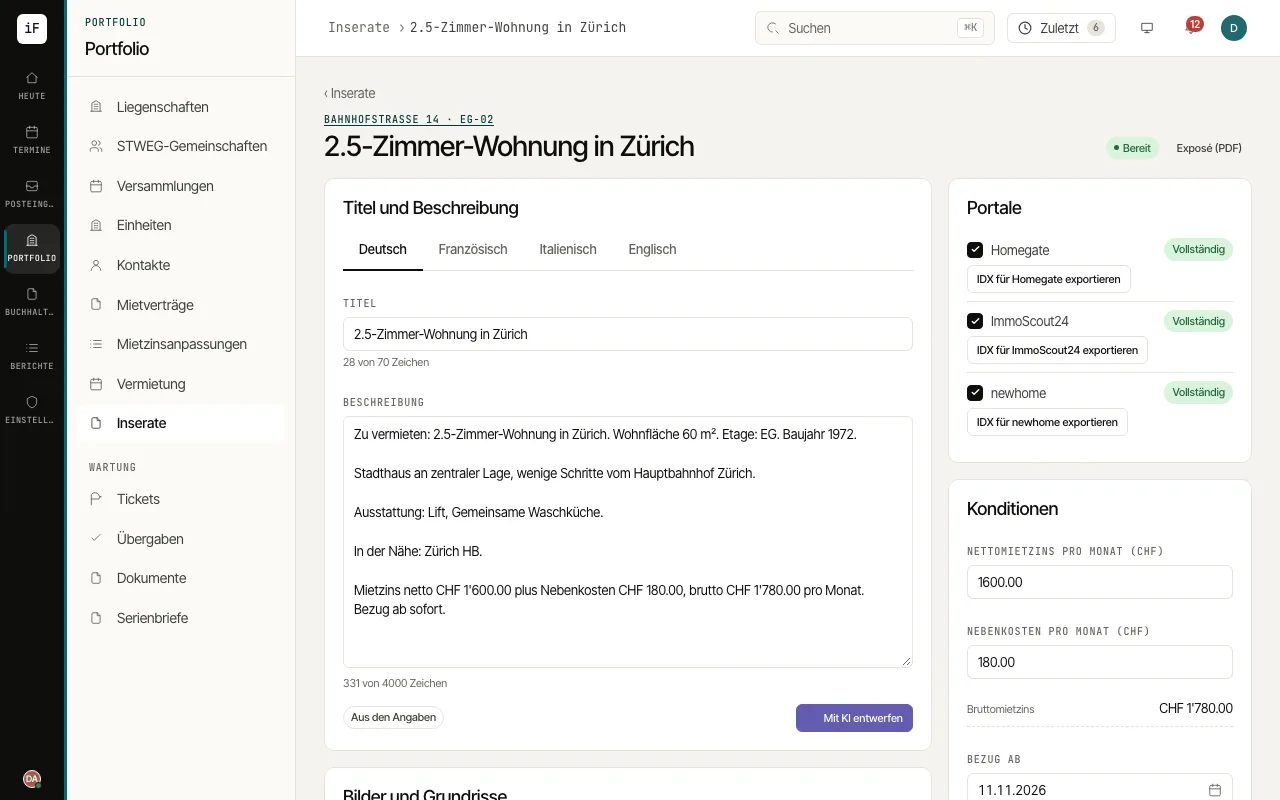
Open "Listings". Units that are vacant or becoming vacant and have no open listing yet offer "Create listing". Rent, availability date, contact and the released pictures are taken from the unit.
Check the text per language under "Title and description". "Draft with AI" proposes a text; every figure in it must come from the unit's details, otherwise the draft is discarded. Read it and click "Save listing".
Adjust "Terms", "Pictures and floor plans" and "Contact and viewing" if needed. The online viewing booking link can be included in the listing.
Under "Portals", check what is still missing per portal and click "Mark as ready". "Show preview" shows you exactly the fields of the export file.
Download the file with "Export IDX for Homegate" (or the matching portal) and upload it in the portal. Once the unit is let, close the listing with "Close as rented" or with "Withdraw".