Set up two-factor sign-in
Two-factor sign-in protects your account, in addition to the password, with a code from an authenticator app. The firm can require it for all staff; tenants, owners and contractors use it voluntarily.
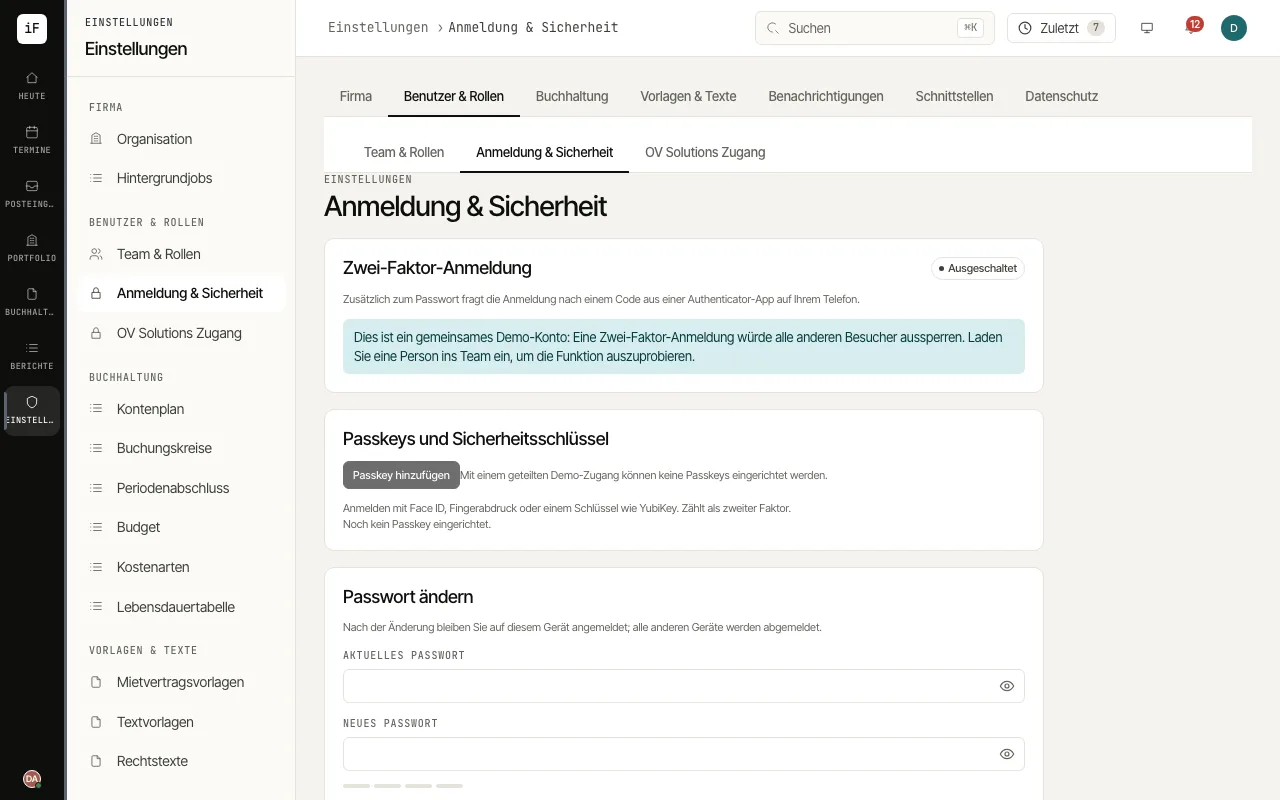
Open «Sign-in & security» and click «Set up» under «Two-factor sign-in». In the owner portal the card is under «Security»; in the tenant and contractor portals it is in the profile.
Scan the QR code with an authenticator app or enter the key by hand. Enter the first six-digit code and click «Switch on».
Save the recovery codes shown with «Copy» or as a text file and confirm with «I have saved the codes». They are shown only once.
When you sign in, enter the code after the password. On your own device you can choose «Don't ask again on this device for 30 days»; without your phone, «Use a recovery code» helps.
As an admin, require two-factor sign-in for all staff under «Organization» with «Require two-factor sign-in for staff». Anyone who has not set it up yet does so at the next sign-in.