Reconciling the tenant account
The tenant account links the claims, payments and open balance of a tenancy. It answers the question of which movement led to an arrear and is the starting point for a credit note.
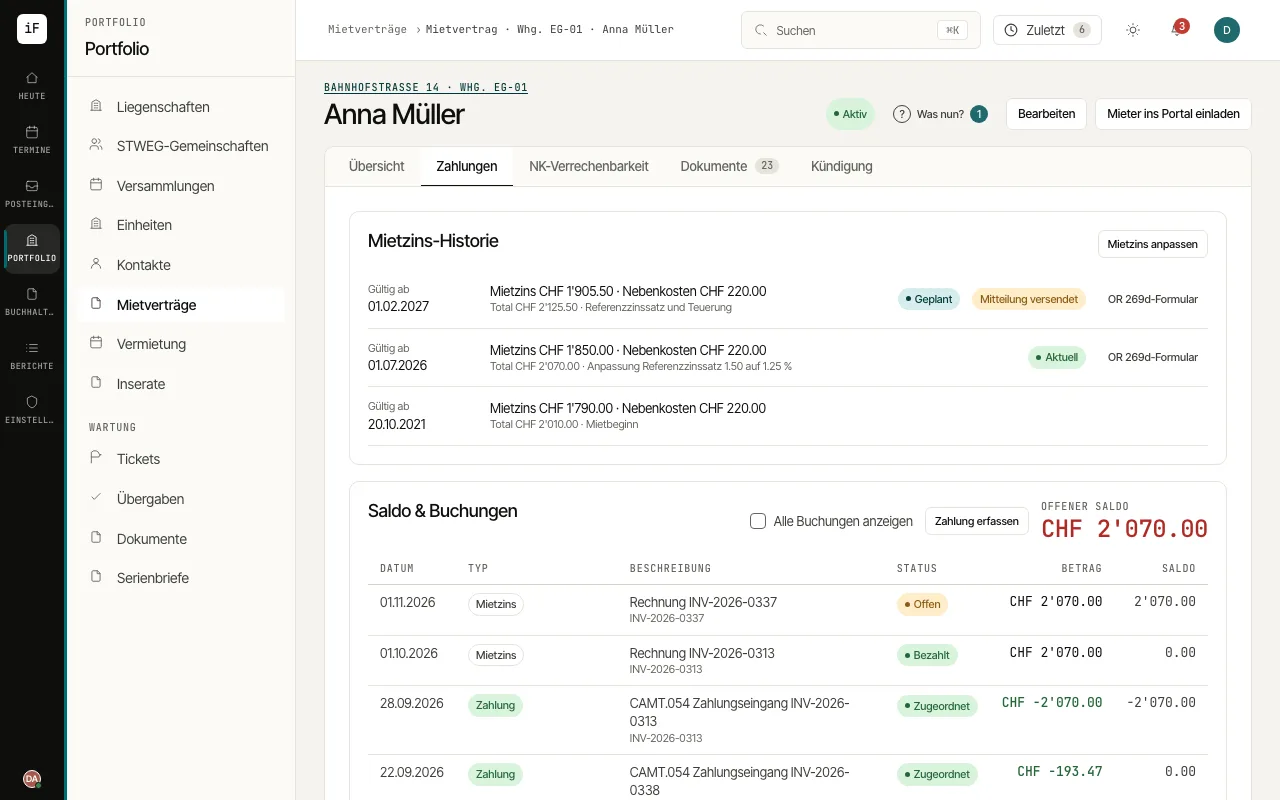
Open "Payments" in the right lease.
Check the open balance and go through the movements in chronological order.
Open the related invoice or the PDF voucher if a claim is unclear.
Match an incoming payment in payment matching. For a new invoice, check the period and amount before creating it.
If an invoice was wrong, open it and choose "Credit note / cancellation". The "Credit note amount" is pre-filled with the whole invoice. The preview shows what has already been paid or offset and where it goes back to, for example "To the tenant's credit (2002)" or, for a deposit offset, as a credit of the tenant. Confirm with "Book credit note of …".