3.7
Handling overdue claims
Payment reminders sort open cases by processing stage. They help you work on an arrear together with the related invoices and the correspondence so far.
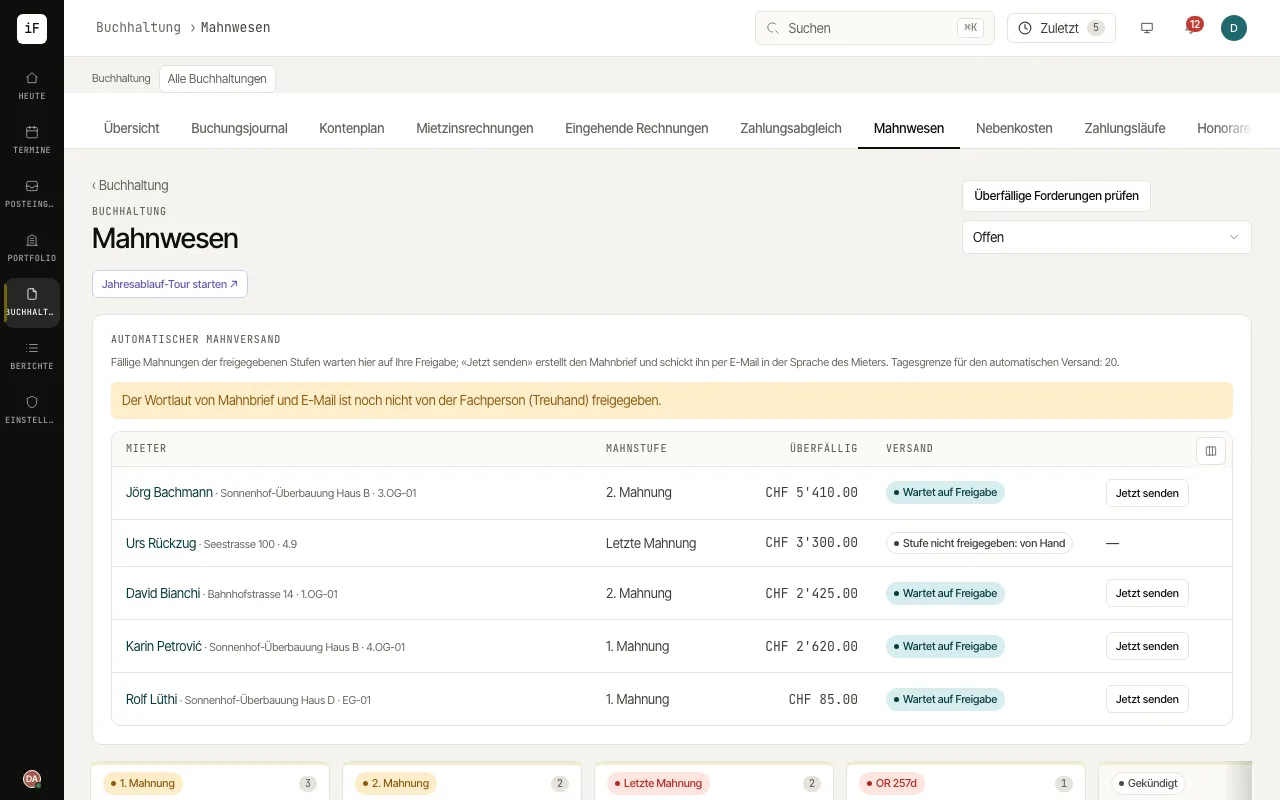
How to proceed
Open a case from the appropriate stage.
Check open claims, due dates and payments already received.
Read earlier steps and correspondence before preparing a further reminder.
Open the preview and compare the amount due with the total open balance.
If a justified claim is uncollectable, open the invoice and choose "Write off claim" with a reason. The rent portion is posted to account 3800, the service charge portion to account 3810.