Imports, AI reading of documents, service charge PDF bundles, the year-end dossier, Excel exports, serial letters and e-mail sending run as background operations. That keeps ImmoFlow usable while an operation takes longer.
ForProperty management and administration
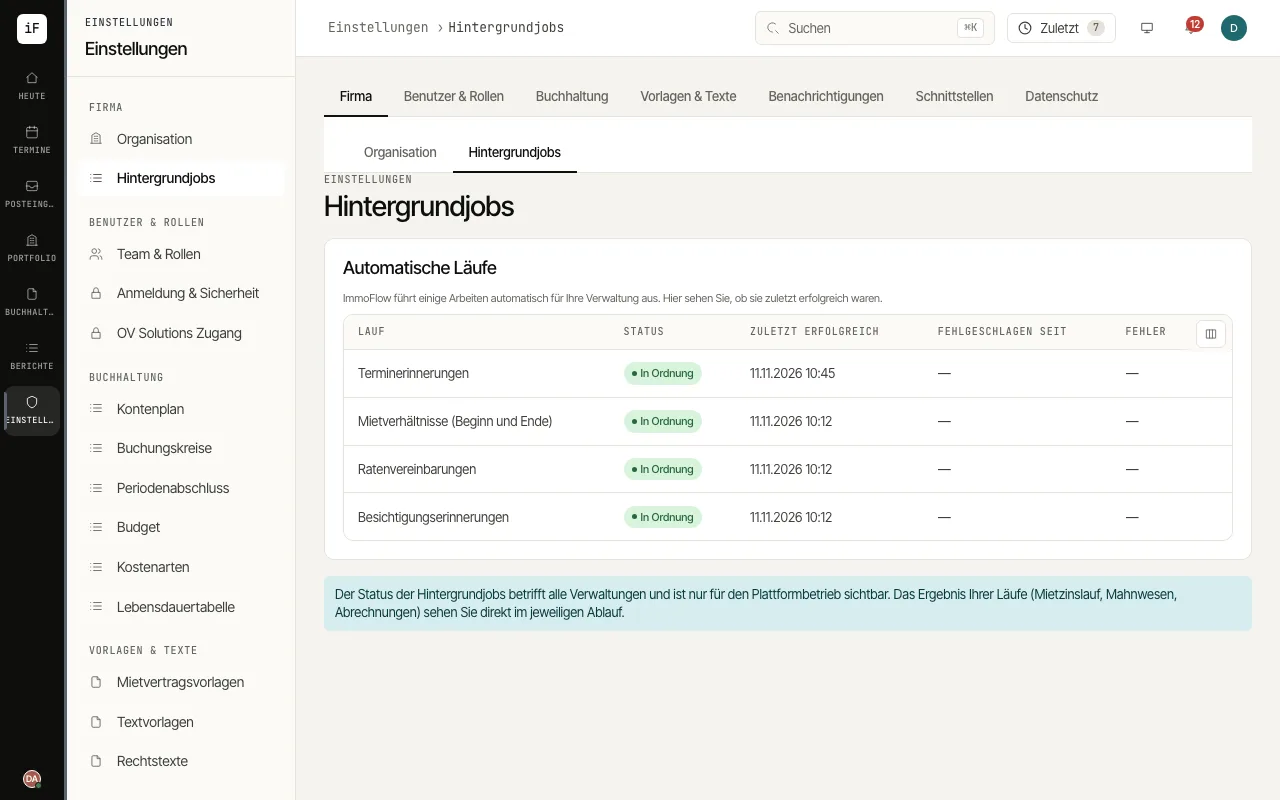
WhereSettings›Background jobs
Fig. 7.9Background jobs with the note on where you see the result of your runs.
How to proceed
1
Start the operation as usual, for example with «Import», the service charge PDF bundle or the year-end dossier.
2
In the same place a progress bar appears with «12 of 40» or «Running in the background …»; while it waits it says «Waiting to be processed …».
3
When the operation is finished, the same place shows the result, such as the import summary or the file to download.
4
If an operation fails for good, ImmoFlow gives the reason, for example an invalid row. Correct the input and start the operation again.