Using reports effectively
Reports answer different questions: who rents which unit? How is the result developing? Which maintenance costs need checking for the tax documents? In addition there are the quarterly and annual reports your property manager publishes for you.
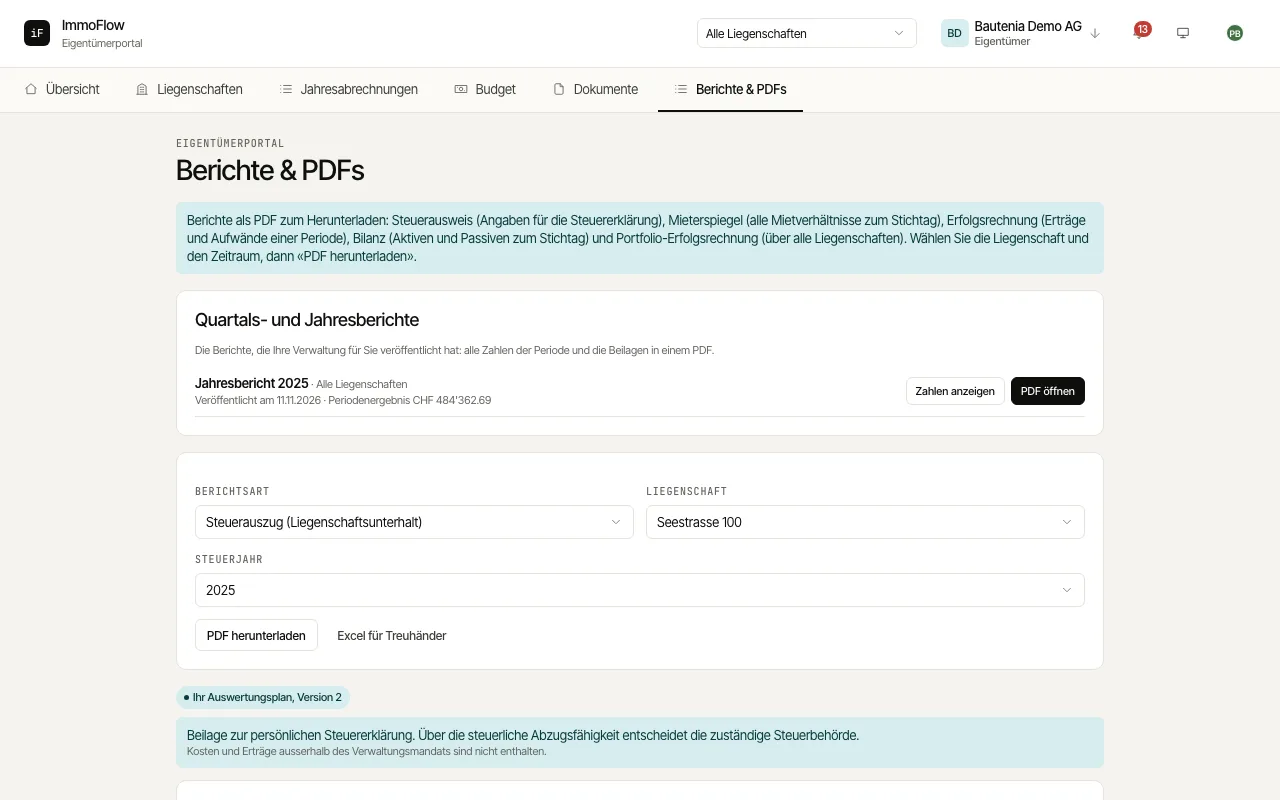
Choose the "Report type", for example tax statement, rent roll, income statement, multi-year comparison, balance sheet, portfolio income statement, maintenance history or vacancy trend.
Check the "Property" and, depending on the report, the "Tax year", the "Reporting date" or the period.
Read the basis shown and download the report with "Download PDF". For the tax statement, "Excel for tax advisor" is also available; the trends are shown on screen only. Below the tax statement, the «Non-binding tax orientation aid» opens if you need it, with its own PDF; the «Tax statement summary» brings all your properties of a tax year together.
Under "Quarterly and annual reports" you open your property manager's report packages: every figure of the period and the supporting documents in one PDF, often with a "Comment from the management".