2.4
Clarifying posting findings with the AI
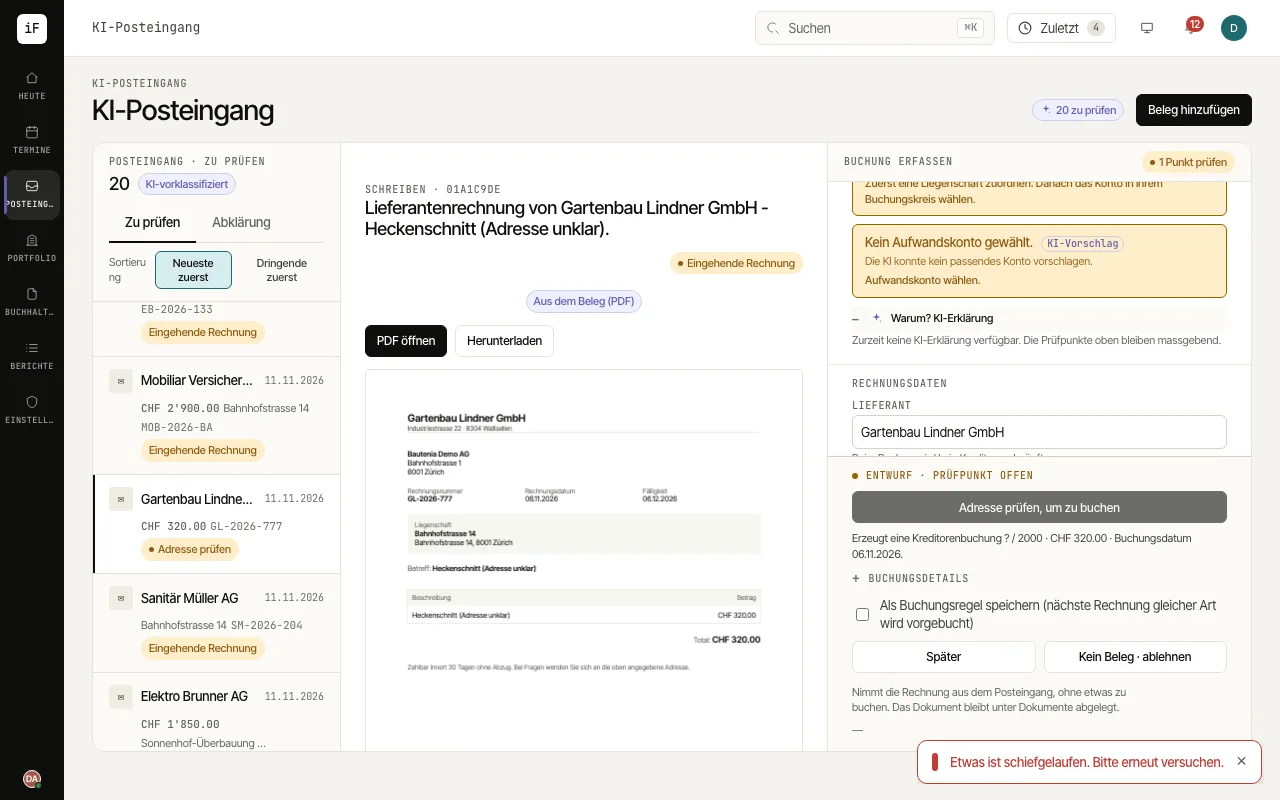
"Why? AI explanation" helps you place a checkpoint in context and plan the next check. The voucher, the checkpoints and the editable fields alongside remain the basis of your decision.
How to proceed
Open the suggestion concerned and first read the specific checkpoint and its basis.
Open "Why? AI explanation". Compare the explanation with the amount, date, supplier and split in the form.
For a duplicate warning, compare the invoice already on file with the new source.
Correct or complete the suggestion. Post only a genuinely new claim; reject a suggestion you do not need using the action provided for it.