3.6
Assigning and reconciling bank payments
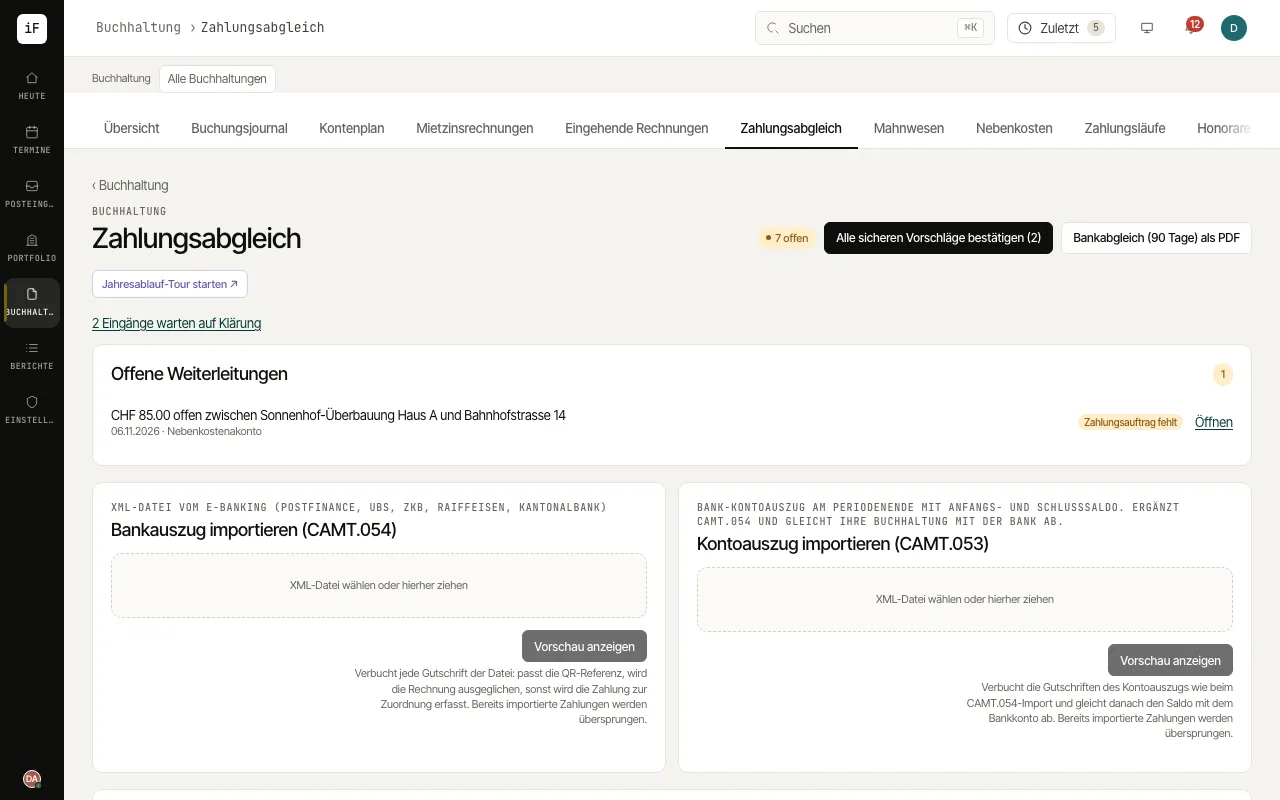
Payment matching brings bank data and open claims together. Automatically recognised matches take work off your hands; unclear payments stay visible for manual review.
How to proceed
Choose the right CAMT file from your bank and click "Show preview". The preview shows how the file would be posted; nothing has been posted yet.
Check matches, open payments and duplicates, and post the file only with "Confirm import". CAMT.053 additionally offers balance reconciliation.
For an open payment, compare amount, reference, payer and invoice. If needed, explicitly choose the right accounting book.
Confirm only a match that fits on the merits, and then check the status of the claim.
For your records, download "Bank reconciliation (90 days) as PDF".