4.3
Preparing the budget and allocation
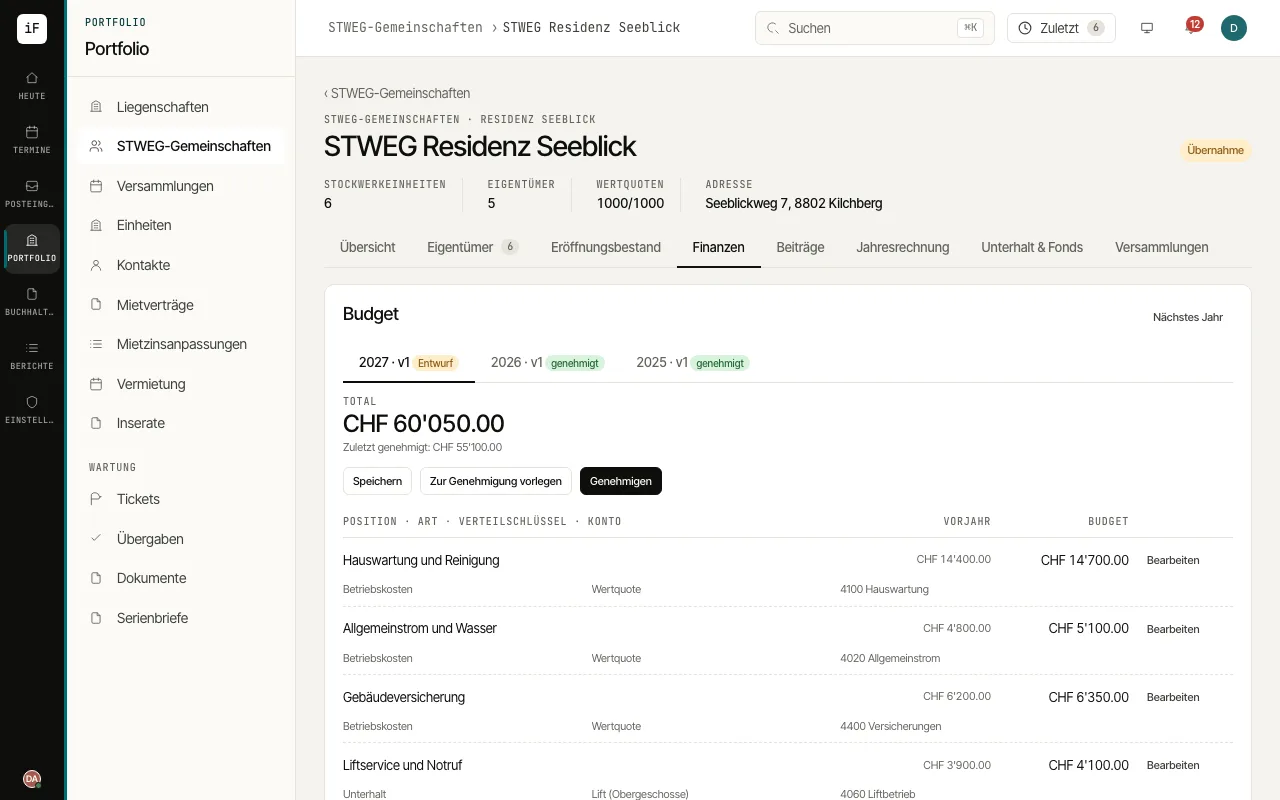
A budget makes the community's planned costs and their allocation visible. Comparing with the previous year supports a traceable preparation.
How to proceed
Choose the budget year and open the draft.
Check the items with amount, account, cost type and allocation key.
Compare the plan with the previous year and give reasons for significant changes.
Put the budget forward with "Submit for approval" and record the approval together with its basis. Then use the approved budget as the basis for contributions.