Tracing a posting back to its source
The journal makes transactions traceable. Using period, status and property, you narrow down the view, check where an amount comes from and handle waiting journal drafts.
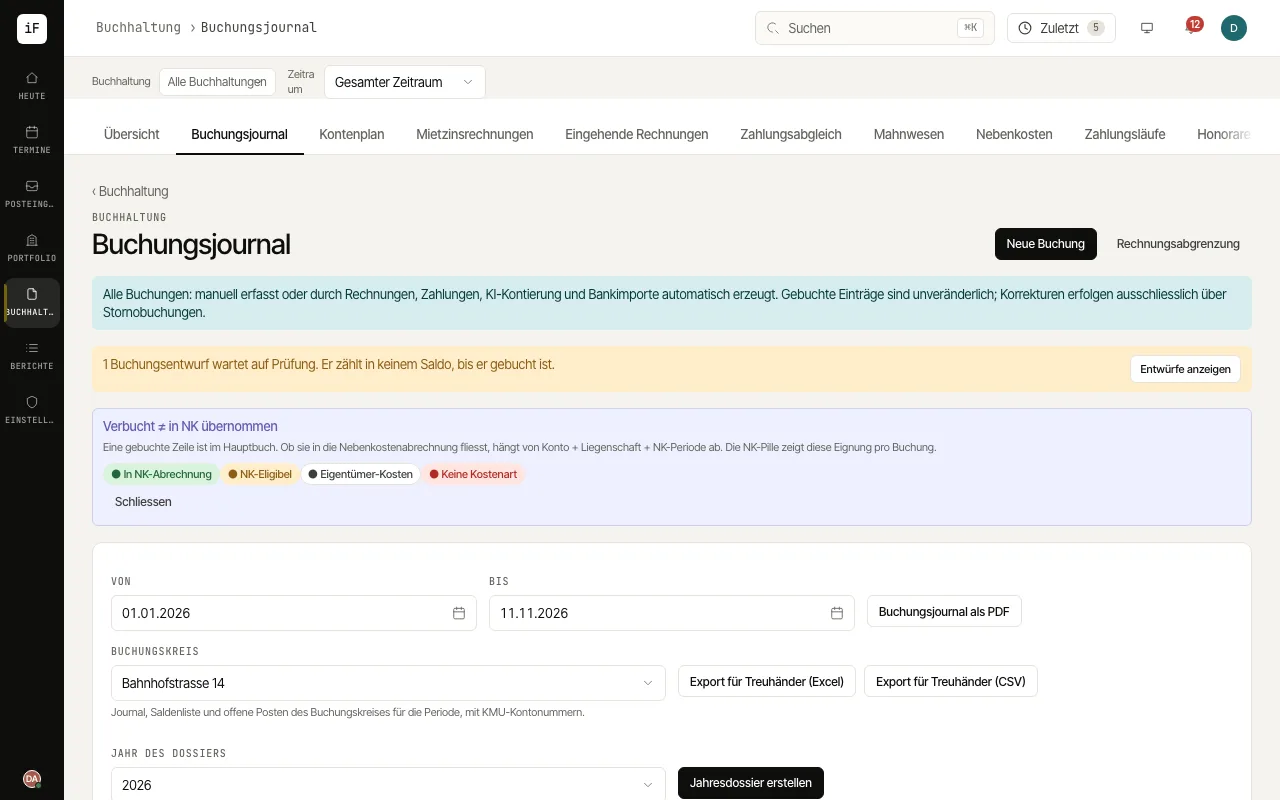
Set the period and the property focus you want.
Open the posting concerned and check the date, accounts, amount and assignment. Follow existing links to the voucher or the case that triggered it.
If journal drafts are waiting, a notice above the list shows how many; "Show drafts" filters them. Open a draft, correct it with "Edit" and post it with "Post draft", or discard it with "Discard".
Record a posting of your own with "New posting"; if it is not finished yet, choose "Save as draft".
If a posted basis is wrong, use "Reverse": ImmoFlow creates a reversal posting with debit and credit swapped. Afterwards also check the related transaction.
For filing or an audit, download the journal of a period with "Journal as PDF", in the language you use ImmoFlow in.