1.8
Keeping track of appointments and deadlines
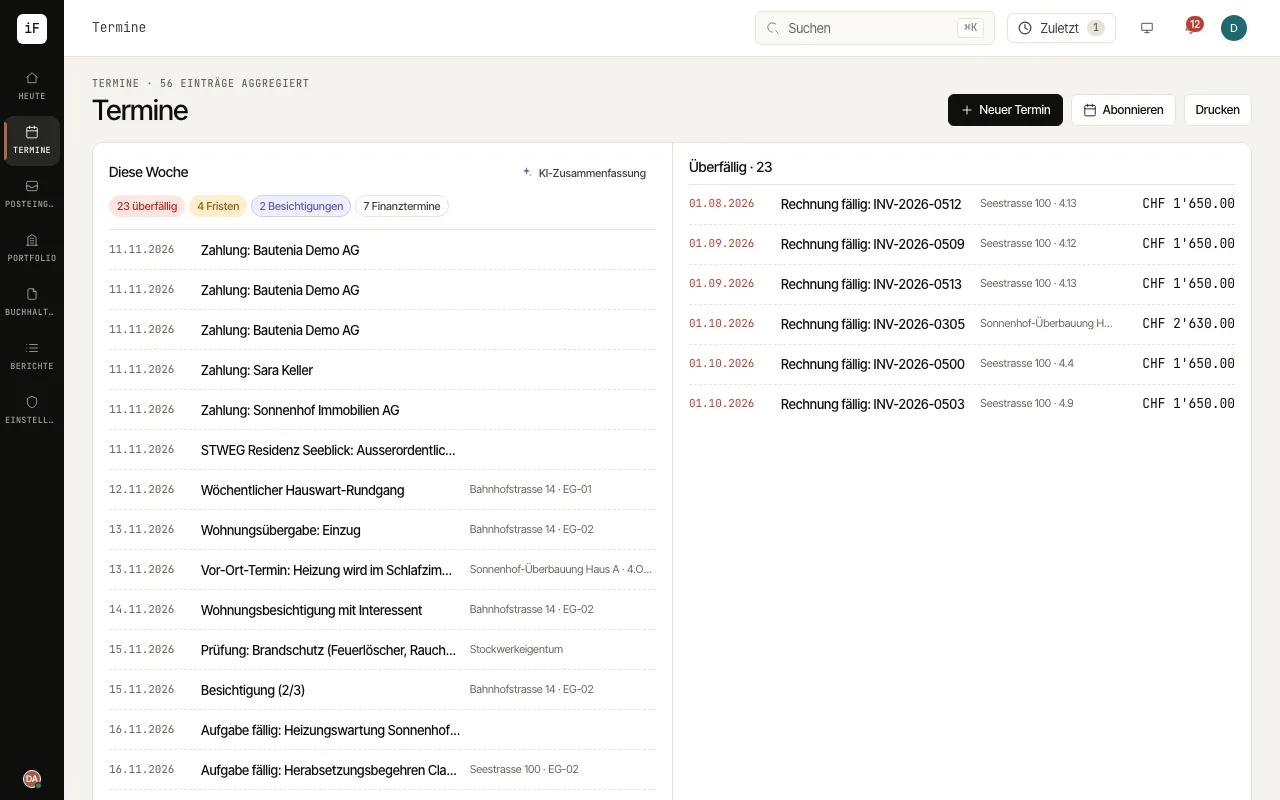
The calendar brings your own appointments together with dated cases such as deadlines, handovers, viewings and tasks. You choose the view, filter it and move from an entry to the related case.
How to proceed
Under "View" choose between "Month", "Week", "Day" and "List" and show or hide categories. "only mine" shows your own entries.
Create your own appointment with "New appointment". In the week and day views you can drag across a free period instead; drag your own appointments onto another day or time to move them.
Open an entry to check its origin. "Create follow-up task" turns it into a task.
In the "Week overview", have an "AI summary" created if needed. "Subscribe" brings the appointments into Outlook, Apple Calendar or Google Calendar.