Following payment orders through to execution
Payment runs bundle prepared orders for export to the bank. The status distinguishes draft, release, export and upload to e-banking from actual execution.
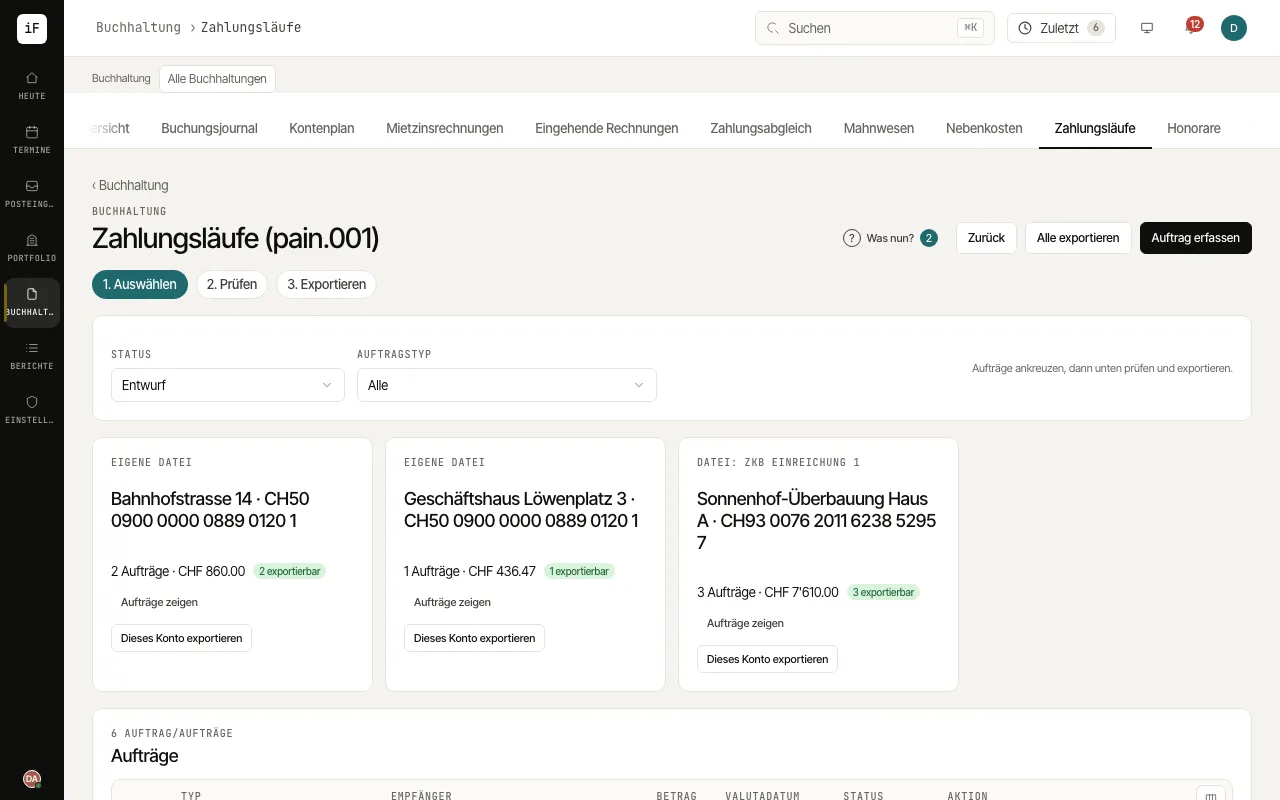
Filter by status and order type. If you have questions, open the linked invoice, statement or tenancy.
Release orders marked "awaiting release" with "Release". With the four-eyes principle, a second authorised person confirms; otherwise you confirm yourself in a separate step with your password.
Select the orders, check recipient, IBAN, amount, date and reference, and download the file for your e-banking with "Export pain.001".
Once you have uploaded the file to your e-banking, click "Confirm upload". All exported orders of the run get the status "Uploaded to e-banking".
An imported bank statement records clearly matching orders as executed. Confirm the others with "Confirm execution" only once the bank has actually paid; record a rejection with "Rejected by bank".