Setting up the chart of accounts and bringing it to the new template
Every management company starts with the standard chart of accounts for Swiss property accounting. The template is versioned: when new default accounts are added, you add them selectively without changing your own accounts.
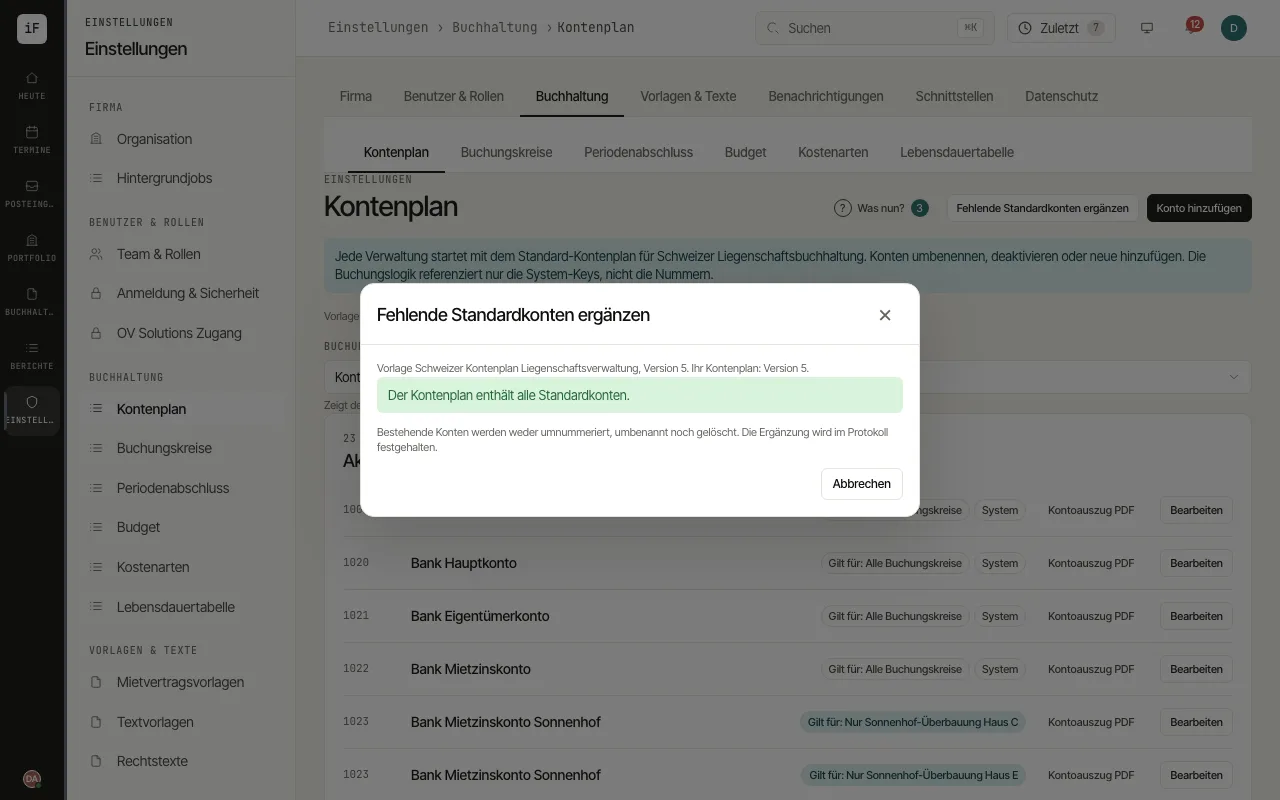
Check the accounts by class. Use "Add account" to create an account of your own. A standard account ("System") may be renamed or deactivated, but not deleted.
Click "Add missing default accounts". The dialog names the template with its version and the version of your chart, lists the missing accounts (new ones marked "new in version …") and shows numbers you already use for accounts of your own.
Confirm with the button that names the number, for example "Add 3 accounts". If no account is missing but your chart is older than the template, it reads "Update to version …".
Under "System mappings" check which account ImmoFlow uses for a posting step, for example "Tenant receivables" or "Bank rent account". Change a mapping only deliberately.
For the movements of a single account in the current year, open the "Account statement PDF" on the account.