Team, roles and property assignments
Under «Team & roles» you invite staff, assign roles and arrange deputies. With property assignments, managers, assistants and read-only users see only the properties they are responsible for.
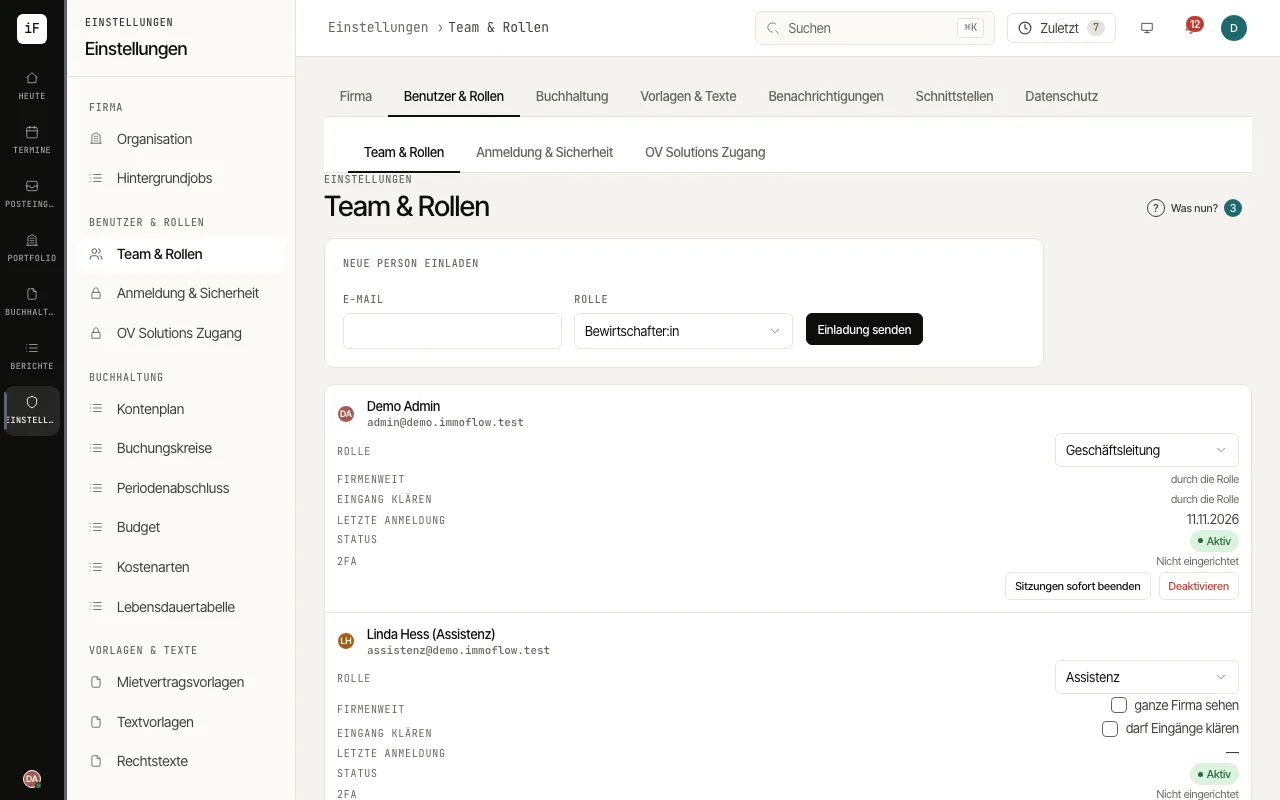
Click «Invite new person», enter the e-mail, choose the «Role» (Management, Admin, Property manager, Assistant or Read only) and click «Send invitation». If the e-mail does not arrive, ImmoFlow shows a link to pass on.
If needed, switch on «Property assignments» under «Organization». From then on managers, assistants and read-only users see only assigned properties with their units, leases, documents, tickets and tasks.
Assign people on the property in the «Assigned» area with «Assign a person» and «Assign». Anyone who should see the whole firm gets the permission «sees the whole firm» in the team.
Under «Deputies», use «Record deputy» to record a deputy with «From» and «To», for example for holidays. During that time the deputy also sees the properties of the person they stand in for.
When someone leaves or misuse is suspected, use «End sessions now», «Reset 2FA» or «Deactivate» in the person's row.