Posting accruals and closing a period
At year end, expenses and income belong in the right year; afterwards the period is locked per accounting book. Anything that still falls into a closed period is posted by ImmoFlow on the first open day once you confirm, without losing the original details.
Post accruals before closing: in the journal, "Accrual" opens the "Post accrual" form. Choose the "Accrual type", the "Offset account (expense / income)", amount and property, the "Accrual date" in the old and the "Reversal date" in the new period, and click "Post accrual".
Before closing, check the journal, waiting journal drafts, payment matching and late service charge postings.
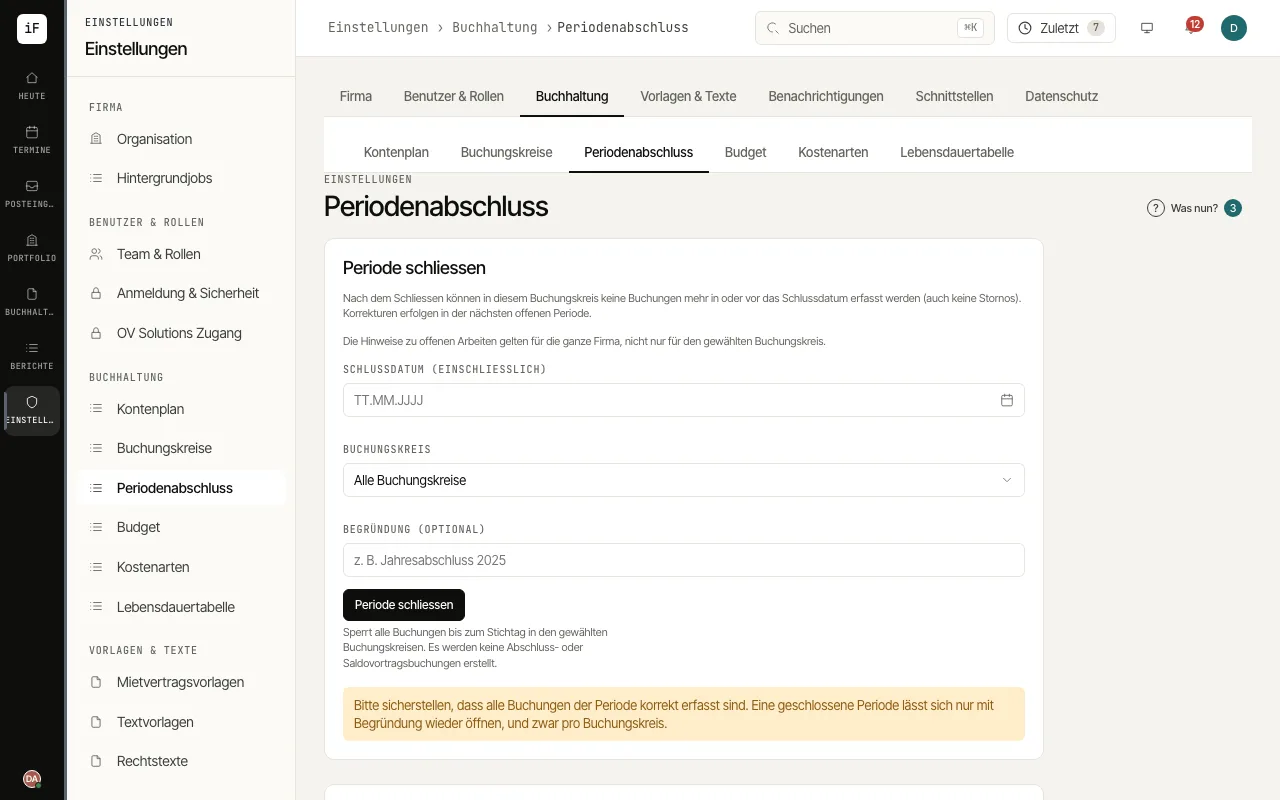
Under "Close period" enter the "Closing date (inclusive)", choose the "Accounting book" or "All accounting books", optionally add a reason and click "Close period".
The "Closed periods" list shows every close per accounting book. If a period has to be opened again, use "Reopen" with a reason.
If a step such as a supplier invoice, an owner payout or reminder fees falls into a closed period, "Period closed" appears with a "Book on …" button. If you confirm, it is posted on the first open day; the document date and assignment are kept. If you decline, nothing is posted.