2.6
Taking contact details from a signature
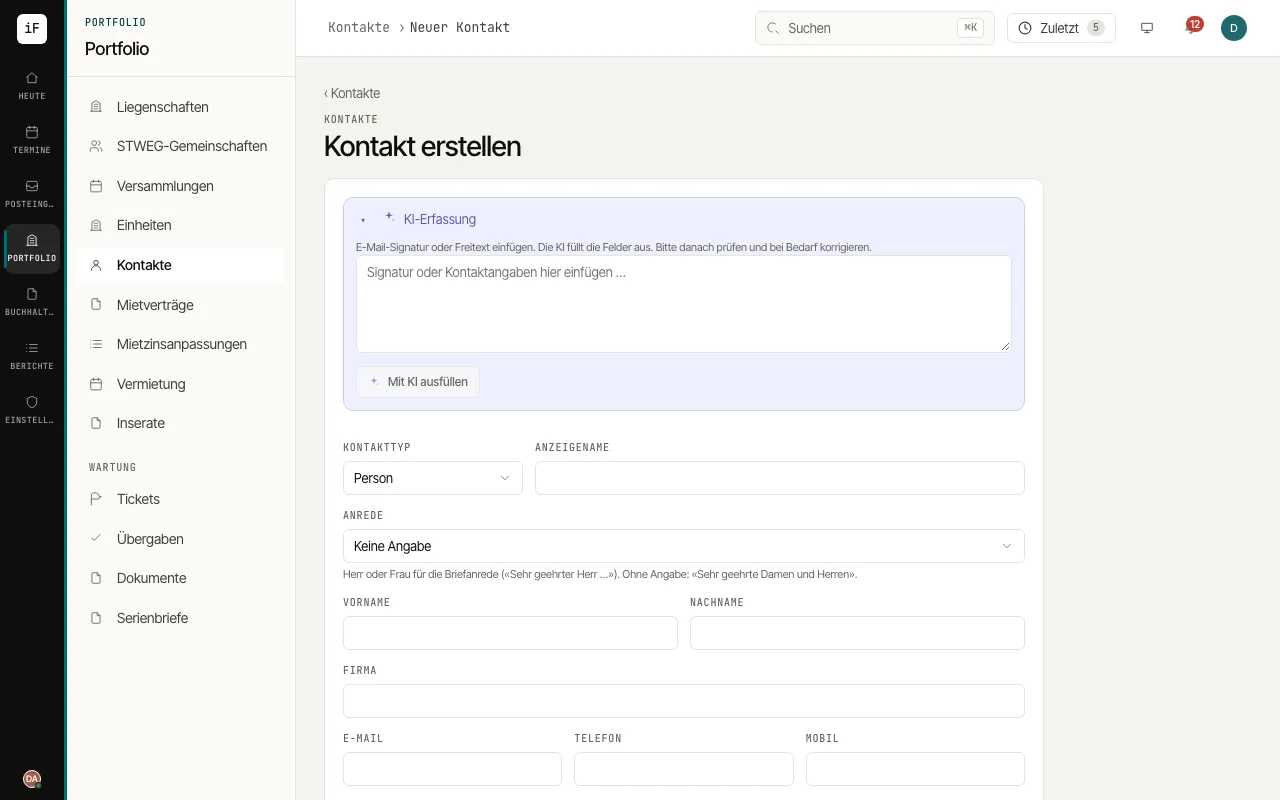
AI intake saves you copying out a signature or a short contact text field by field. You get pre-filled fields that you can check before creating the contact.
How to proceed
Open "New contact" and expand "AI intake".
Paste the signature or contact text and choose "Fill in with AI".
Check the fields marked "Filled in by AI", especially person or company, display name, email, phone number and address. Fields marked "check" were recognised with low confidence.
Choose the appropriate roles and add any missing details. Only "Create" creates the contact.