Maintain text templates for messages and letters
Text templates are your firm's own wording per kind of communication and language, for example requesting documents, appointment confirmation, payment reminder, letter or serial letter. ImmoFlow fills placeholders from the record when drafting.
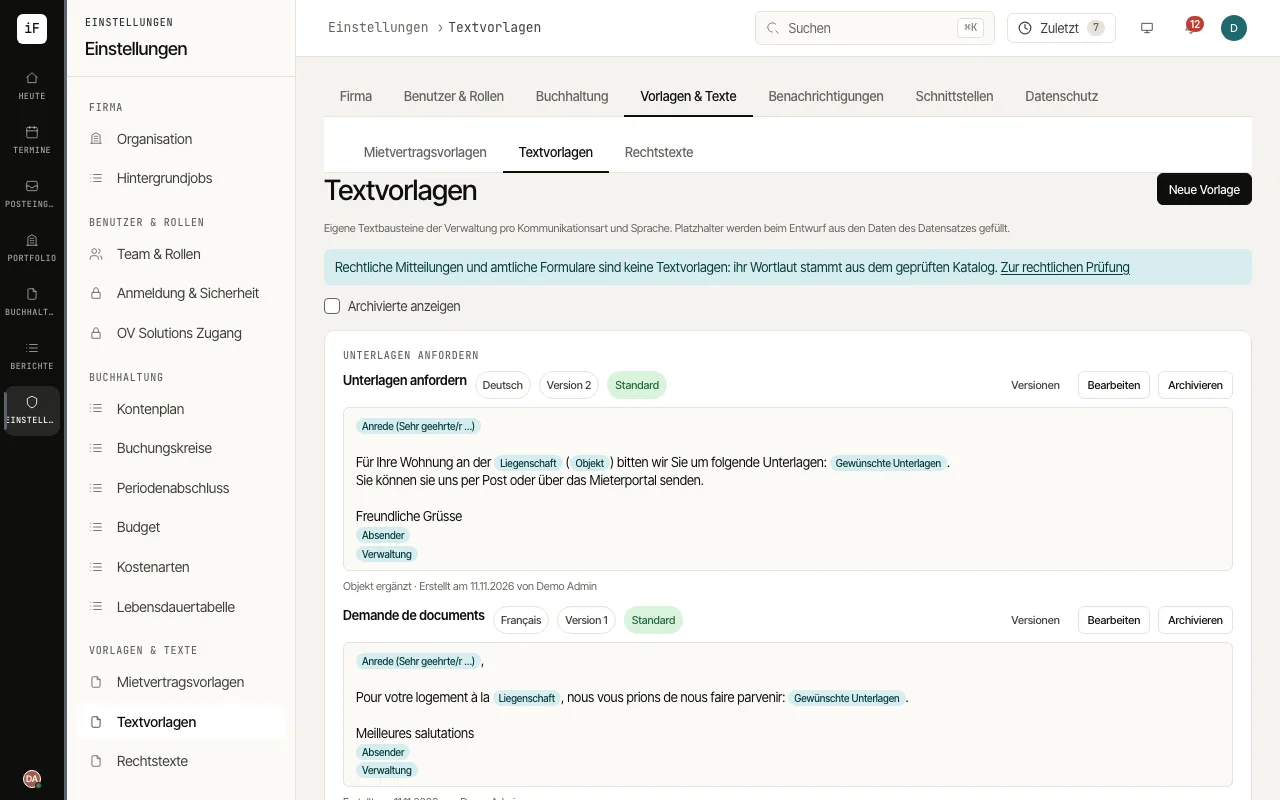
Click «New template» and choose the «Kind of communication» and «Language». Enter a name and the text; for a letter or serial letter also the subject.
Insert placeholders with the buttons offered. They are filled from the data of the lease, ticket or contact when drafting.
Check the text with «Preview» using sample values. If needed, select «Default template for this kind and language» and save with «Save template».
Change a template with «Edit», give a «Reason for the change» and click «Save as new version». You see earlier versions under «Versions»; archive templates you no longer need.
In the draft field of a message, choose the template with «From template» and adjust the text before sending.